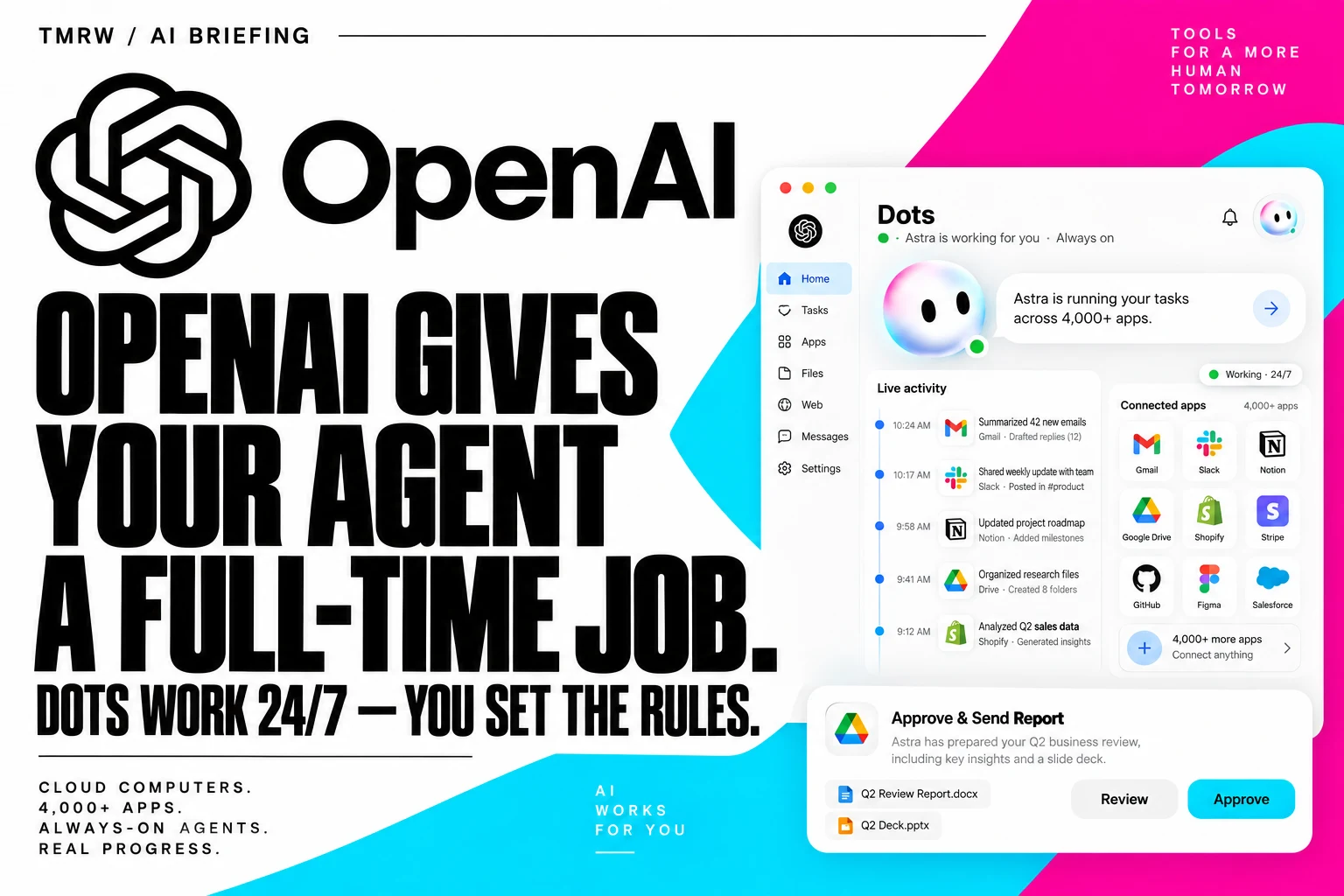
Cover: AI-generated editorial composition by TMRW, based on OpenAI’s Dots product announcement.
OpenAI’s new Dots are not chat threads you remember to reopen. They are always-on GPT-6 Astra agents with their own cloud computers, background work, persistent preferences, and connections to more than 4,000 apps. They can keep several projects moving and return with work for review.
That changes the useful question from “What can the model answer?” to “What is it allowed to do while nobody is watching?”
A dot has a computer, memory, and a work queue
OpenAI says a Dot can use a browser, connected apps, Slack or Teams, and—if the user grants permission—a laptop. Examples include turning feedback into tested pull requests, updating launch material when scope changes, rerunning scientific analyses, and preparing invoices. The first Dot is included with Pro and Business Premium plans in eligible markets; Enterprise admins can enable a beta.
The background feature OpenAI calls proactive research is read-only: it can inspect connected information but cannot send messages, change content, or control a device. Other actions are governed by built-in rules, user-written Custom Rules, and an auto-review system that decides whether work proceeds, asks for approval, or stays with the user.
The permissions page is the real product
An agent that can work overnight needs narrower authority than the person who created it. Start with one account and one reversible job. Let it read a support queue and draft a proposed fix before it can merge code, send mail, or issue a refund. OpenAI’s specialist enterprise Dots follow the stronger pattern: each gets its own identity, credentials, and defined responsibility.
Activity View should become a daily control surface, not an audit page opened after an incident. A useful log needs the goal, data read, tools called, approvals requested, and final changes. If a Dot learns a preference, users also need a way to see and correct that preference before it silently steers future work.
How to pilot one without creating a second inbox
Choose a recurring task with a clear finish line: triage five bug reports, refresh one weekly dashboard, or prepare draft show notes from an approved transcript. Define what “done” means and which step requires a human decision. Run the same task manually for a week so you have a baseline for time and error rate.
Then measure accepted output, reviewer time, unwanted actions, and the number of times the Dot needed clarification. A Dot that produces ten updates but creates twenty approval pings has moved work rather than removed it.
The strongest feature is continuity: a project can keep moving after the chat closes. That is also the source of risk. OpenAI has brought persistent agents into a mainstream product. The winners will be teams that treat permission design as part of the job description.