TMRWTOOLS
AboutBlog
Submit Tool
TMRW TOOLS
GuideBlogSubmit Tool
  • 01Home
  • 02Guide
  • 03Blog
  • Submit Tool
HOME/Automation/Dots by OpenAI
BACK TO TOOLS
HOME/Automation/Dots by OpenAI

Dots by OpenAIReview: ChatGPT's always-on agent that keeps working while you're away.
Dots by OpenAI screenshot

Dots by OpenAIReview: ChatGPT's always-on agent that keeps working while you're away.

AutomationProductivityAI Agents
Paid

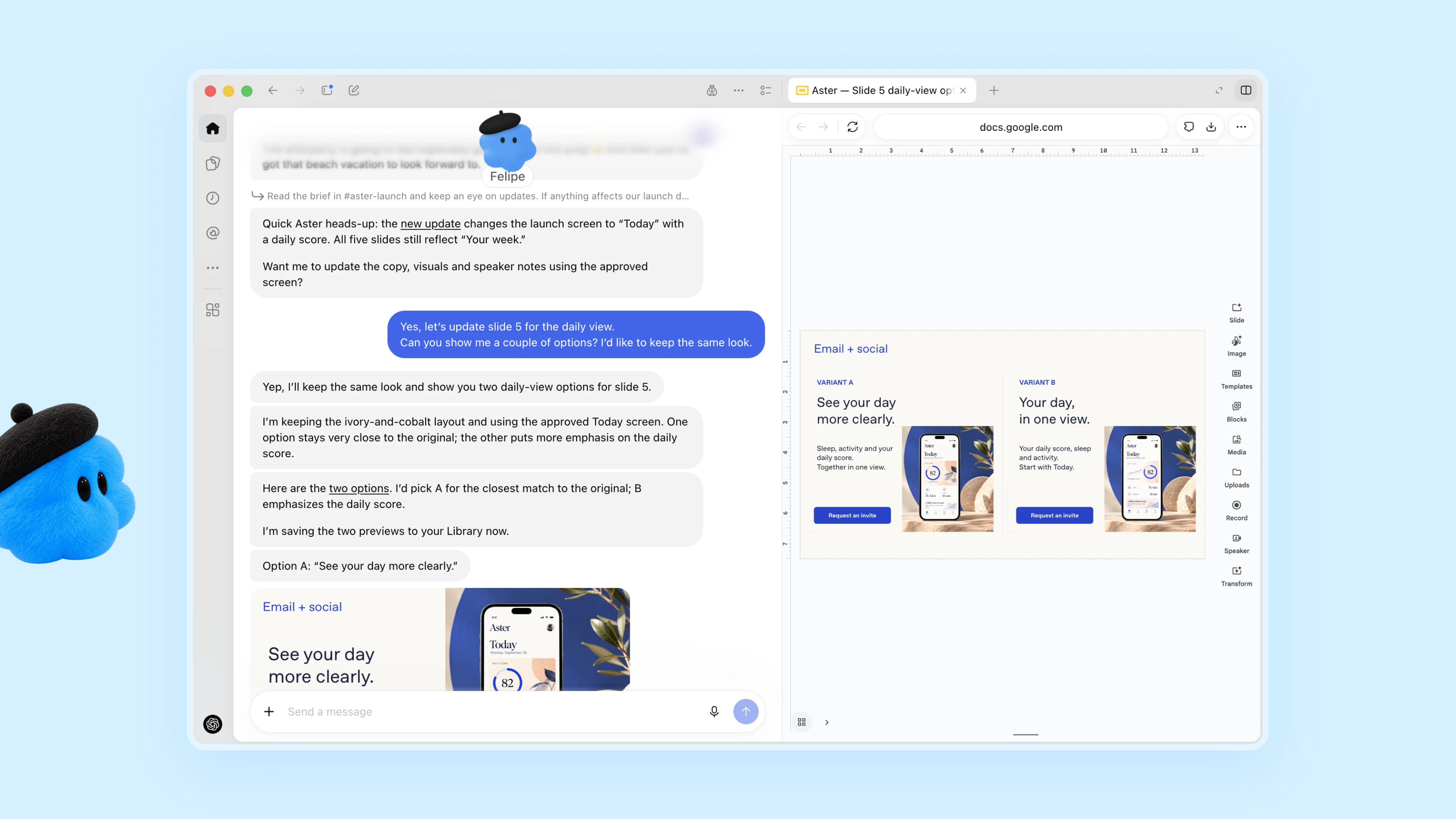
Dots are always-on agents inside ChatGPT, powered by GPT-6 Astra. Each dot has its own cloud computer and browser and works toward your goals around the clock. It's aimed at professionals and teams who want an agent that takes a project and keeps going with it between conversations. You message or call your dot in ChatGPT on desktop, web or mobile, or message it in Slack and Teams. It learns from your feedback, flags what needs attention and comes back with finished work for you to review. In one early test, a dot noticed a forgotten invoice, prepared it and sent it once the user approved. Custom Rules and an Activity View decide how much it does without asking.

AutomationProductivityAI Agents
Paid

Keywords

agents, chatgpt, openai, automation, slack
Own cloud computer and browser for every dot Connects to more than 4,000 apps through plugins Works toward your goals 24/7 between conversations Message or voice call in ChatGPT, or message in Slack and Teams Learns your preferences from feedback Brings finished work to you for review Custom Rules, Activity View and auto review
Runs on GPT-6 Astra. Available in ChatGPT on desktop, web and mobile, plus Slack and Microsoft Teams. Rolling out to ChatGPT Pro and Business Premium only.
More Tools Like This

Iris

Iris

ProductivityAutomation

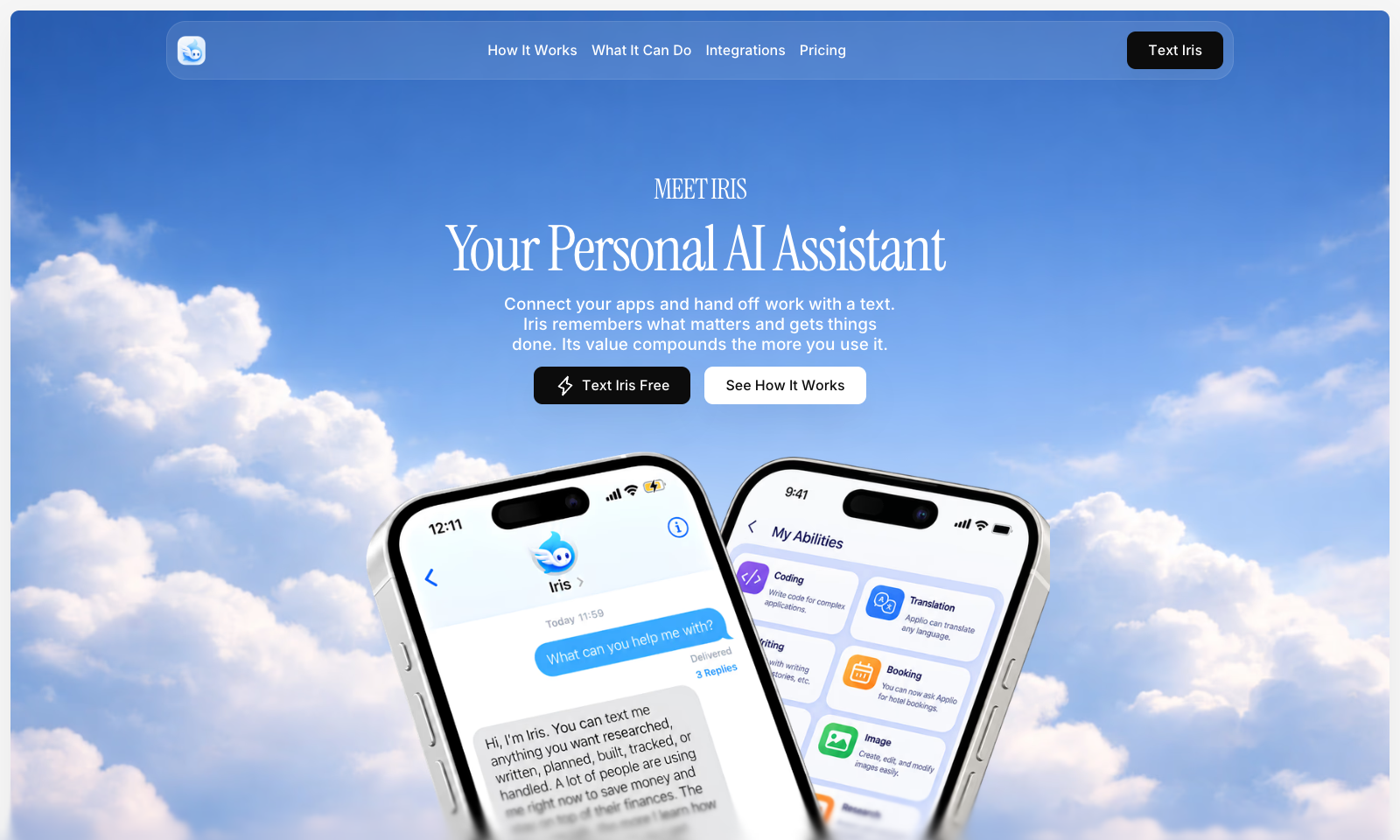
Iris is an AI agent you text from iMessage. You tell it what you need in an ordinary Messages thread. When it needs access to Gmail, Calendar or Drive, it sends you a link to connect that one account, so there's no setup up front. Anything you ask for often can be saved as a skill and run again later. It can write, code and translate. The free plan includes iMessage, the supported connections, memory and saved skills, and doesn't ask for a card. Plus is a paid monthly plan for longer jobs and scheduled skills. Everything happens over iMessage and SMS, so there's no app or desktop window to learn. That's great if you live in Messages. If you're Android only, or you want an assistant that docks next to your work on a Mac, look at Sider Omni instead.

View Details
Hemory

Hemory

ProductivityTranscription

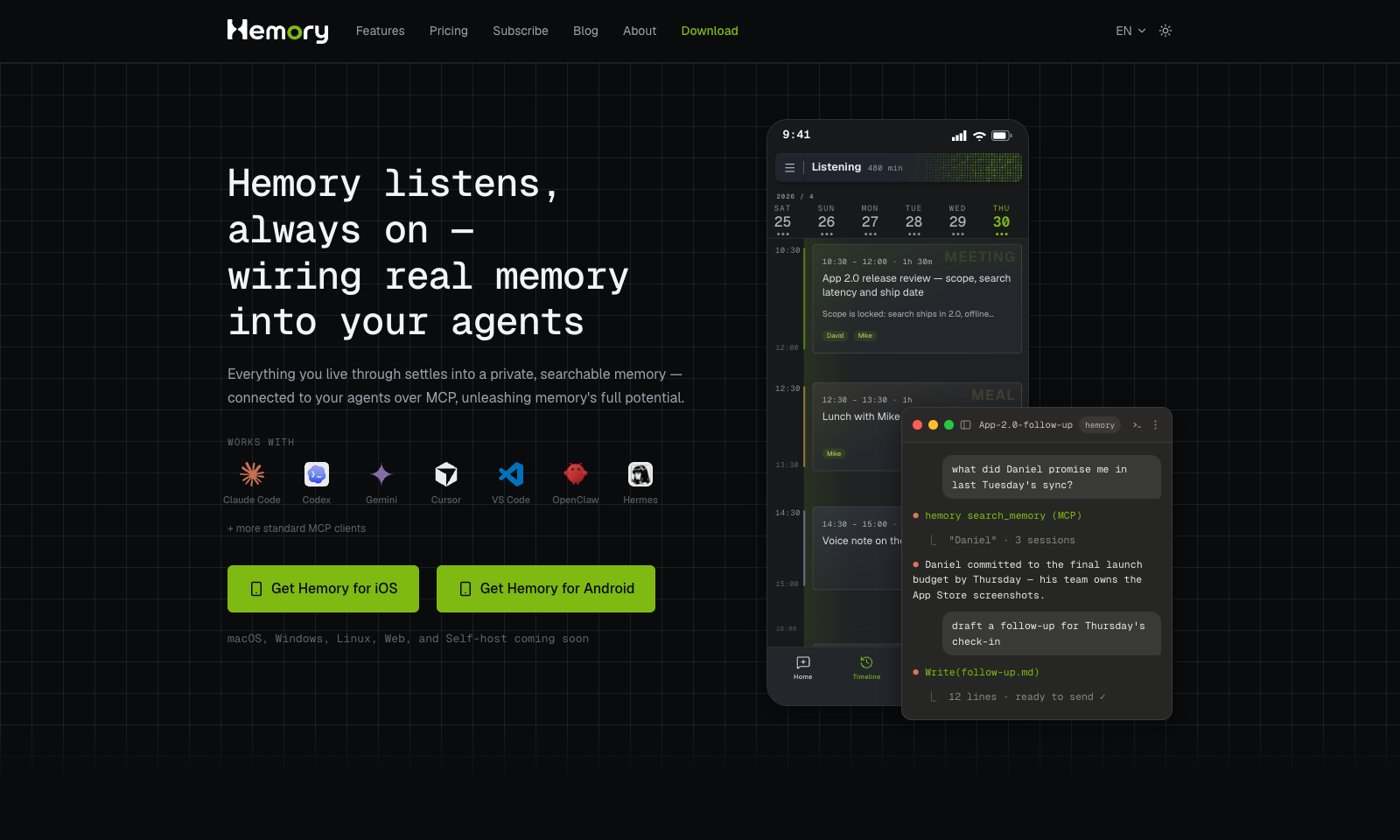
Hemory is a phone app that listens to your day and turns what people said into something you can search. Start it by hand or on a schedule, like weekdays 9 to 6, on iPhone, Android or Apple Watch. It splits your day into meetings, meals, work and small talk, and tells speakers apart by voice. Meetings get proper minutes with decisions and action items. Lunch gets a short note. Ask it what Daniel promised on Tuesday and it answers from the transcripts, in any of 100 languages. Claude Code, Codex, Cursor and other MCP tools can read the same memory with a read-only key. Audio is processed as it streams, and the raw recording stays on your phone or watch. The trial gives you 10 hours of listening. Starter is $10 a month for 20 hours and Pro is $20 for 60. Silence doesn't count. Desktop and web apps aren't out yet.

View Details
Cue by Manus

Cue by Manus

ProductivityAutomationAI Agents

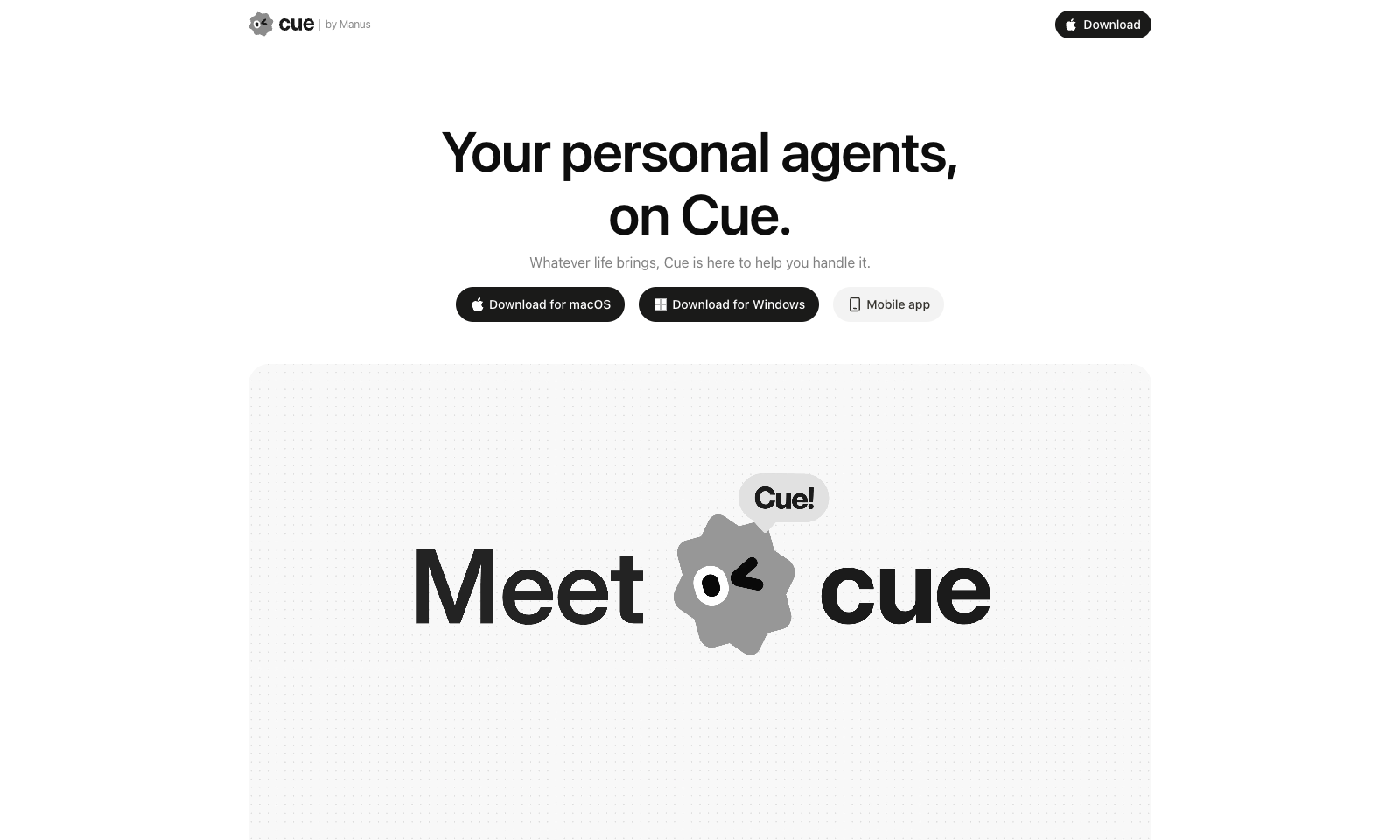
Cue by Manus gives you personal AI agents for everyday life admin, each with its own email address, phone number, wallet and computer. It's meant for busy professionals and families who want to hand off bookings, appointments, reminders and follow-ups. You create an agent in the app, or by scanning a QR code, and set permissions for what it may do on its own. From there you can forward calls to it, let it send emails and make payments, and it keeps working on a task after you log off. Several agents can work together in one group chat. Right now you need an invite code to get in.

View Details
ToneBird

ToneBird

Text ToolsProductivity

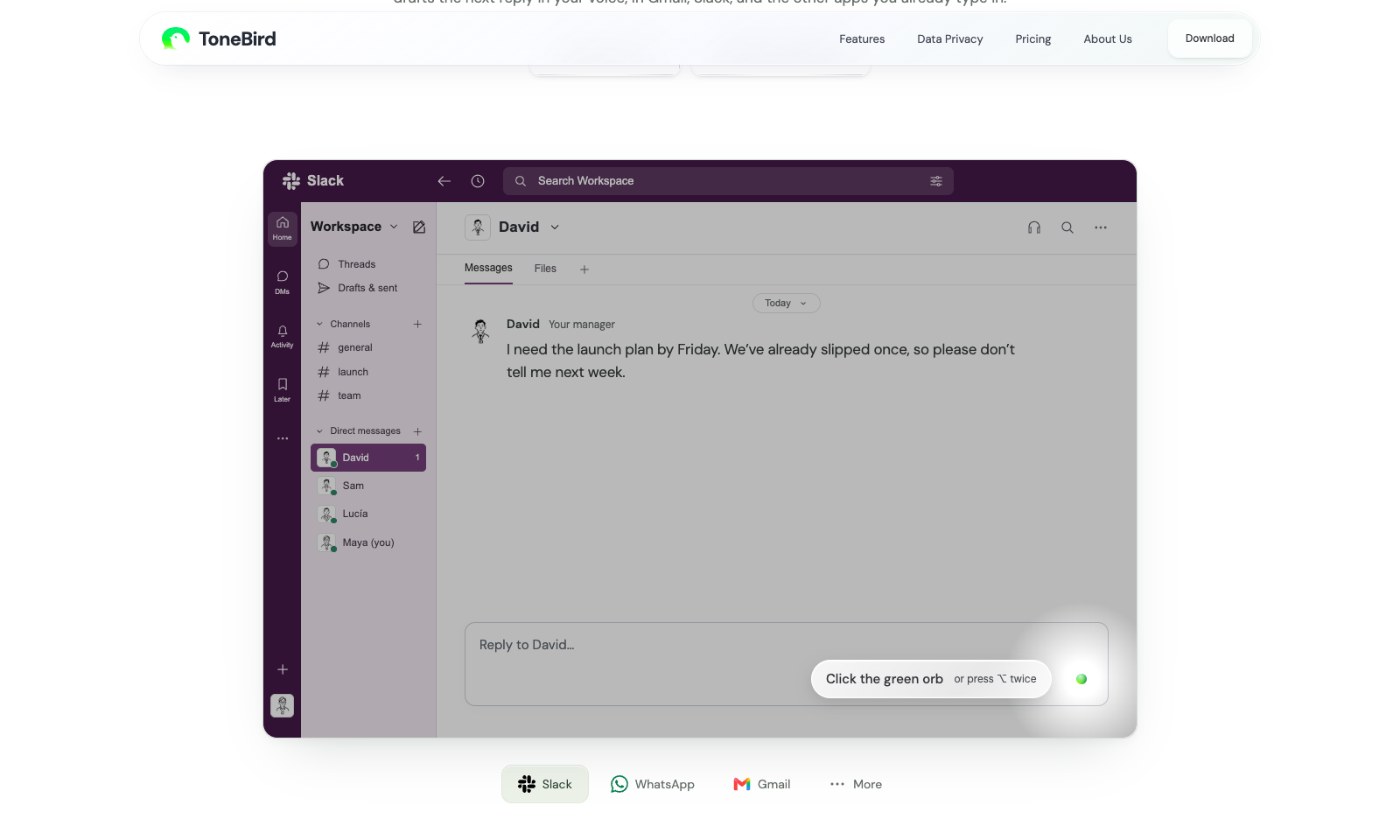
ToneBird drafts replies inside whatever app you're typing in: Gmail, Slack, WhatsApp, iMessage, Discord, WeChat, Lark or X, on Mac or Windows. Click the green orb or press Option twice. It suggests three replies, you tweak one, and it pastes it in. It never hits send for you. What makes it different is memory. It keeps a card on each person, remembers what you promised them, and pulls facts from your files, so the $2,400 you agreed on comes from the actual proposal. The tone changes with the person. A client chasing a deadline gets different wording than a teammate checking in. It keeps a list of what you owe people and can set up calendar events from a chat. Your tone settings and person cards stay on your device, but message content goes to the AI provider. Free is 15 drafts a day for 30 contacts. Standard is $9.90 a month and Pro is $39.90.

View Details
TMRW TOOLS

AI tools we'd actually recommend.

A short list of AI tools for everyday work. We try each one before we write about it.

Navigate

  • Home
  • AI Guide
  • Blog
  • About
  • Contact

Tools

  • Browse Tools
  • Meeting notes
  • Voice writing
  • Spreadsheets
  • Short video
  • Submit Tool
  • Categories
  • Partner Program

Follow us

Legal

Privacy PolicyTerms of ServiceImprint
TMRW TOOLS

AI tools we'd actually recommend.

A short list of AI tools for everyday work. We try each one before we write about it.

Follow us

Navigate

  • Home
  • AI Guide
  • Blog
  • About
  • Contact

Tools

  • Browse Tools
  • Meeting notes
  • Voice writing
  • Spreadsheets
  • Short video
  • Submit Tool
  • Categories
  • Partner Program

Legal

  • Privacy Policy
  • Terms of Service
  • Imprint
TMRW TOOLS

AI tools we'd actually recommend.

A short list of AI tools for everyday work. We try each one before we write about it.

Navigate

  • Home
  • AI Guide
  • Blog
  • About
  • Contact

Tools

  • Browse Tools
  • Meeting notes
  • Voice writing
  • Spreadsheets
  • Short video
  • Submit Tool
  • Categories
  • Partner Program

Follow us

Legal

  • Privacy Policy
  • Terms of Service
  • Imprint
© 2026 TMRW TOOLS. All rights reserved.