TMRWTOOLS
AboutBlog
Submit Tool
TMRW TOOLS
GuideBlogSubmit Tool
  • 01Home
  • 02Guide
  • 03Blog
  • Submit Tool
HOME/Productivity/Iris
BACK TO TOOLS
HOME/Productivity/Iris

IrisReview: an agent you text from iMessage

Iris screenshot

IrisReview: an agent you text from iMessage

ProductivityAutomation
Freemium

Iris is an AI agent you text from iMessage. You tell it what you need in an ordinary Messages thread. When it needs access to Gmail, Calendar or Drive, it sends you a link to connect that one account, so there's no setup up front. Anything you ask for often can be saved as a skill and run again later. It can write, code and translate. The free plan includes iMessage, the supported connections, memory and saved skills, and doesn't ask for a card. Plus is a paid monthly plan for longer jobs and scheduled skills. Everything happens over iMessage and SMS, so there's no app or desktop window to learn. That's great if you live in Messages. If you're Android only, or you want an assistant that docks next to your work on a Mac, look at Sider Omni instead.

ProductivityAutomation
Freemium

Keywords

imessage, sms, agent, assistant, gmail, calendar, skills
  • Lives in Messages: Text the work. The site's device frames show an iMessage thread, not another chat tab.
  • Connect when needed: FAQ: start with the task; if it needs Gmail, Calendar, or Drive it sends a link. You can revoke connections from the account page.
  • Skills: Repeatable workflows it can run again — steps, tools, and output format — instead of re-explaining the job.
  • Free to start: iMessage, connections, memory, and saved skills with no credit card. Plus adds longer jobs and scheduled skills. Teams is custom.
  • Not a Mac sidebar: Iris hosts the agent for you. The main surface is iMessage; the website is for connections and larger results.

TMRW VERDICT

An agent for people who live in iMessage

by TMRW Team·Oct 4, 2026

Two agents in our list already want a new home on your computer. Sider Omni docks to the Mac window you're in, and Skydive sits in Slack as a cloud coworker. Iris picks a third place: the green bubble. If you already live in iMessage, that's no gimmick. It's the one place you'll actually use.

It's built on Hermes Agent, though it isn't a Nous Research product. Treat lines like "1,000+ apps" and "30% fewer workflows" as the company's own claims. What you can count on is a free start in iMessage, accounts you connect as you go, and a Plus plan whose price isn't clearly listed, which is a sloppy thing to leave out.

Best for people who'd rather text a task than open another app. If you're not on iMessage, if you need the agent working inside Numbers or Mail (that's Omni), or if you want a team coworker in Slack (that's Skydive), look elsewhere.
More Tools Like This

ClawsGO Science

ClawsGO Science

Education & LearningProductivity

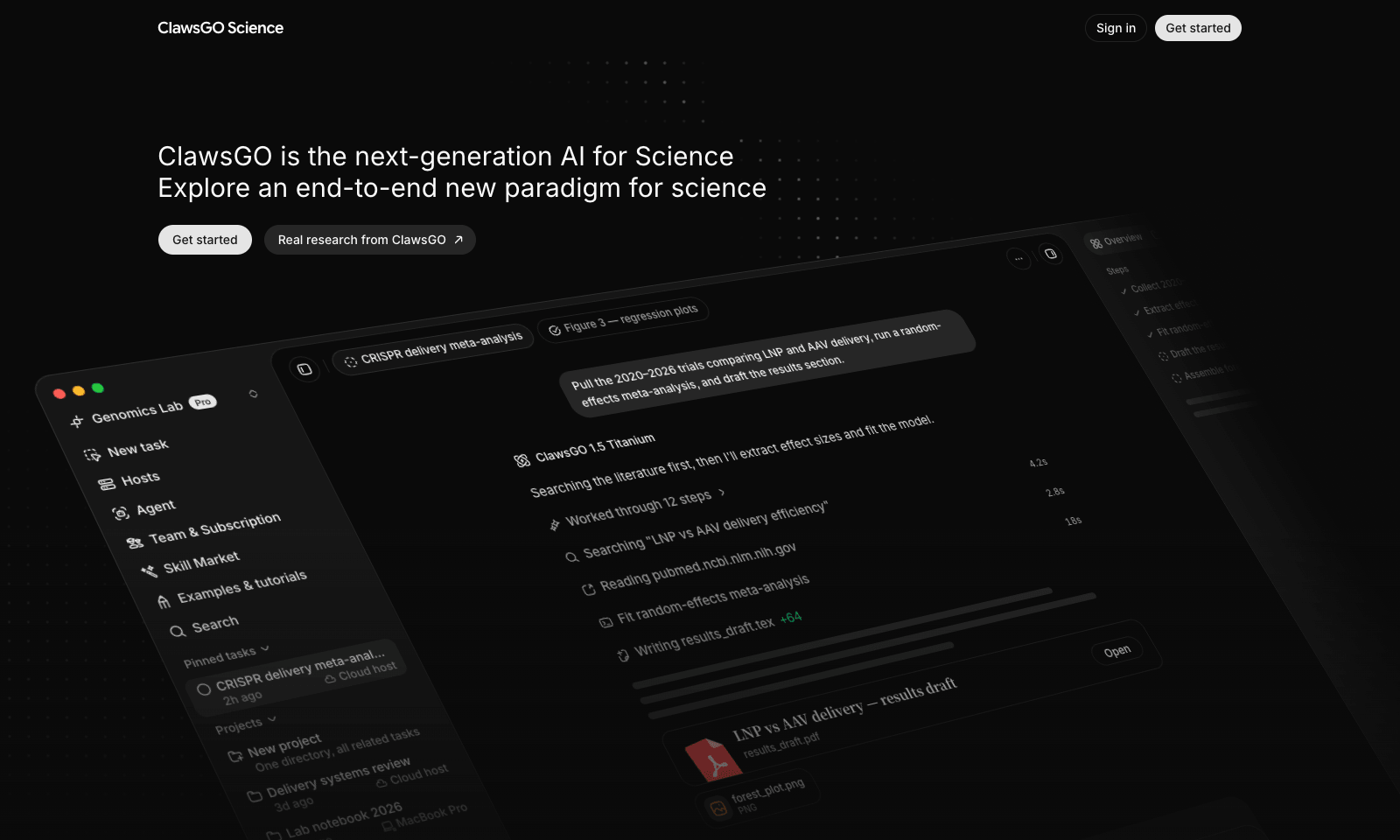
ClawsGO Science is a research agent with its own cloud computer. Give it a task in plain English, such as "pull the 2020–2026 trials comparing two treatments, run a meta-analysis, and draft the results section," and it searches the literature, screens papers, extracts the data into CSV tables, runs the statistics in Python, draws the forest plot, and writes the draft with citations. LaTeX manuscripts compile straight to PDF. Every search, command, and file edit is logged and replayable, so you can check the work instead of trusting it. You can point it at your own files with @, switch the underlying model per task, or connect a lab GPU over SSH for heavy jobs. It's aimed at researchers, but also at consultants, policy analysts, and due-diligence teams. The cloud machine isn't billed separately; you pay for model use in credits, and plan prices sit inside the app.

View Details
Cue by Manus

Cue by Manus

ProductivityAutomationAI Agents

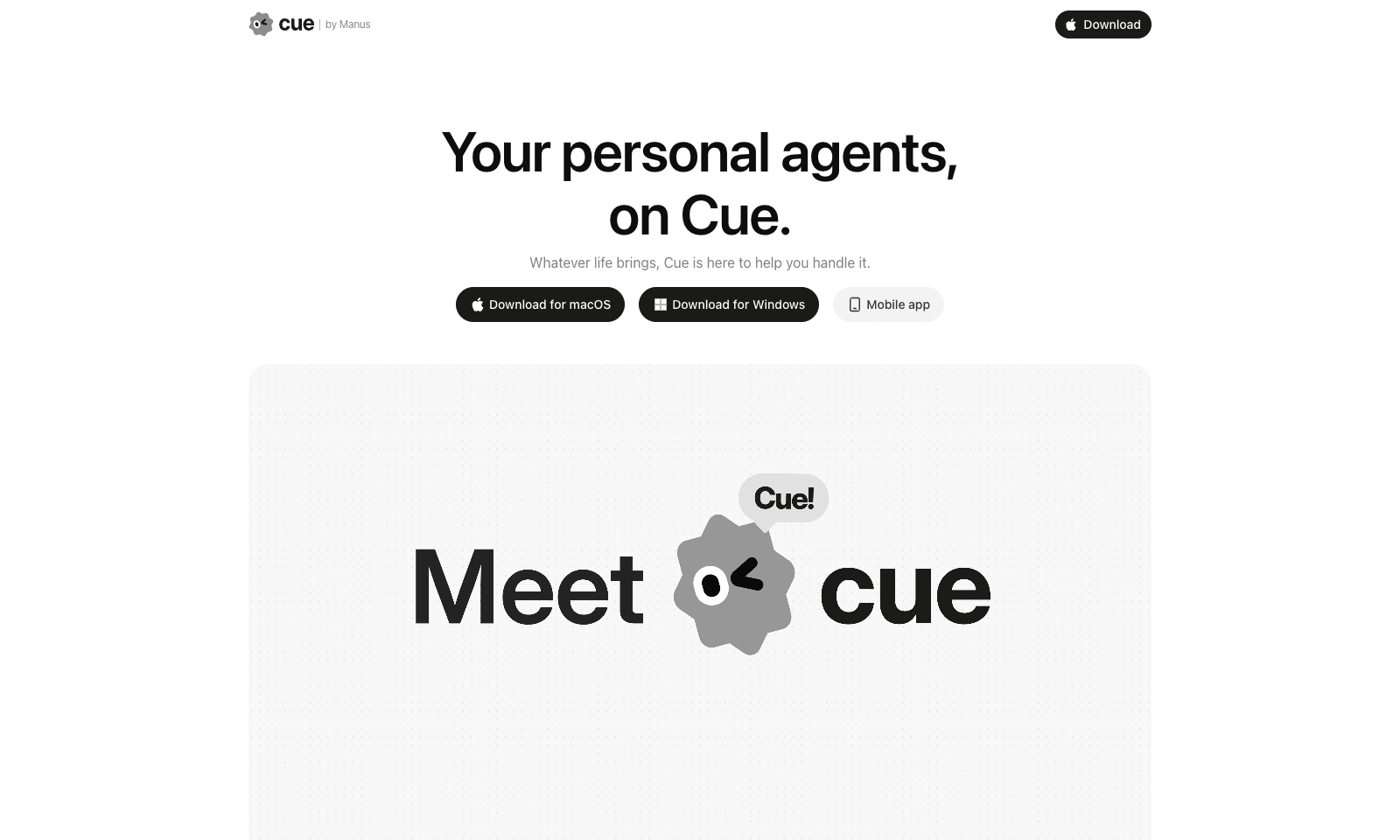
Cue by Manus gives you personal AI agents for everyday life admin, each with its own email address, phone number, wallet and computer. It's meant for busy professionals and families who want to hand off bookings, appointments, reminders and follow-ups. You create an agent in the app, or by scanning a QR code, and set permissions for what it may do on its own. From there you can forward calls to it, let it send emails and make payments, and it keeps working on a task after you log off. Several agents can work together in one group chat. Right now you need an invite code to get in.

View Details
IrisGo

IrisGo

AutomationProductivity

IrisGo is a desktop assistant for people who run a business on their own. At 8 every morning it reads your calendar and unread email and sends you a short brief in chat. In the demo, that's three priorities, two client calls, and an Adobe invoice due today. From there it triages your inbox and picks up the rest of the day's admin. The headline trick is Watch & Learn: you do a task once while IrisGo watches, and after that it can repeat the steps for you. It runs on Windows 11 (64-bit) and Apple Silicon Macs. There's no version for Intel Macs or phones. The beta is free and updates itself, and IrisGo only sees the data and workflows you give it permission to see. The company is backed by Andrew Ng's AI Fund, but it hasn't said what IrisGo will cost once the beta ends. Don't confuse it with Iris, the agent you text from iMessage.

View Details
Hark

Hark

AI AgentsProductivity

Hark is a personal AI assistant that handles everyday errands for you: booking travel, ordering food, paying bills, scheduling appointments and doing research. It's for busy people who want to hand those chores to an assistant and only step in to approve. You connect your email, calendar and online accounts, and the home screen fills with action cards, such as a bill to pay, an appointment to book or an expense to approve, each of which you can approve with one tap. For jobs that need the web, a cloud agent called Handoff opens a browser, does the work and shows you each step as it goes. Payments still need your confirmation, and saved logins and payment details are end-to-end encrypted.

View Details
TMRW TOOLS

AI tools we'd actually recommend.

A short list of AI tools for everyday work. We try each one before we write about it.

Navigate

  • Home
  • AI Guide
  • Blog
  • About
  • Contact

Tools

  • Browse Tools
  • Meeting notes
  • Voice writing
  • Spreadsheets
  • Short video
  • Submit Tool
  • Categories
  • Partner Program

Follow us

Legal

Privacy PolicyTerms of ServiceImprint
TMRW TOOLS

AI tools we'd actually recommend.

A short list of AI tools for everyday work. We try each one before we write about it.

Follow us

Navigate

  • Home
  • AI Guide
  • Blog
  • About
  • Contact

Tools

  • Browse Tools
  • Meeting notes
  • Voice writing
  • Spreadsheets
  • Short video
  • Submit Tool
  • Categories
  • Partner Program

Legal

  • Privacy Policy
  • Terms of Service
  • Imprint
TMRW TOOLS

AI tools we'd actually recommend.

A short list of AI tools for everyday work. We try each one before we write about it.

Navigate

  • Home
  • AI Guide
  • Blog
  • About
  • Contact

Tools

  • Browse Tools
  • Meeting notes
  • Voice writing
  • Spreadsheets
  • Short video
  • Submit Tool
  • Categories
  • Partner Program

Follow us

Legal

  • Privacy Policy
  • Terms of Service
  • Imprint
© 2026 TMRW TOOLS. All rights reserved.