TMRWTOOLS
AboutBlog
Submit Tool
TMRW TOOLS
GuideBlogSubmit Tool
  • 01Home
  • 02Guide
  • 03Blog
  • Submit Tool
HOME/Research/Gauth
BACK TO TOOLS
HOME/Research/Gauth

GauthReview: An AI tutor that teaches on an endless whiteboard.
Gauth screenshot

GauthReview: An AI tutor that teaches on an endless whiteboard.

ResearchSelf-Improvement
Free

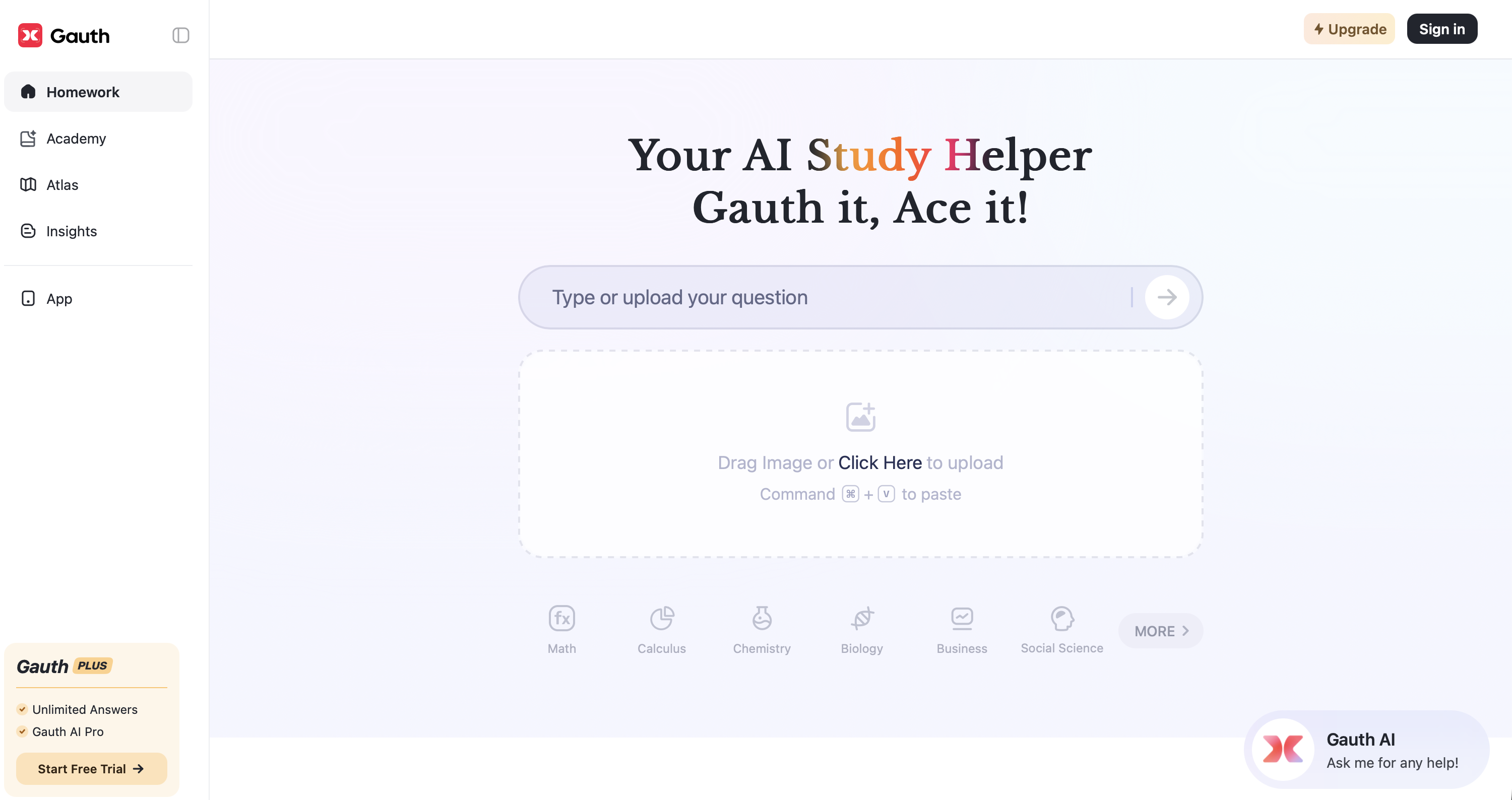
Gauth's AI courses now run on a single endless whiteboard. It's built for students, and it suits anyone who learns better by seeing how ideas connect. You generate a lesson on any topic, and chapters open side by side while an AI voice narrates and the board notes write themselves in sync. You can zoom from the full concept map down to a single formula. When you pause to ask the AI tutor something, the answer appears on the board right under that step and stays there.

ResearchSelf-Improvement
Free

Keywords

learning, tutor, students, education, whiteboard
Lessons on one continuous, zoomable canvas Chapters expand side by side as the narration plays Board notes written in sync with the AI voice AI tutor answers on the board beneath the step you asked about Generate a canvas lesson on any topic Export as PDF or share via link
Part of the Gauth AI study platform, which has passed 200 million downloads since 2020. Listed as free at launch.
More Tools Like This

NotebookLM

NotebookLM

ResearchProductivity

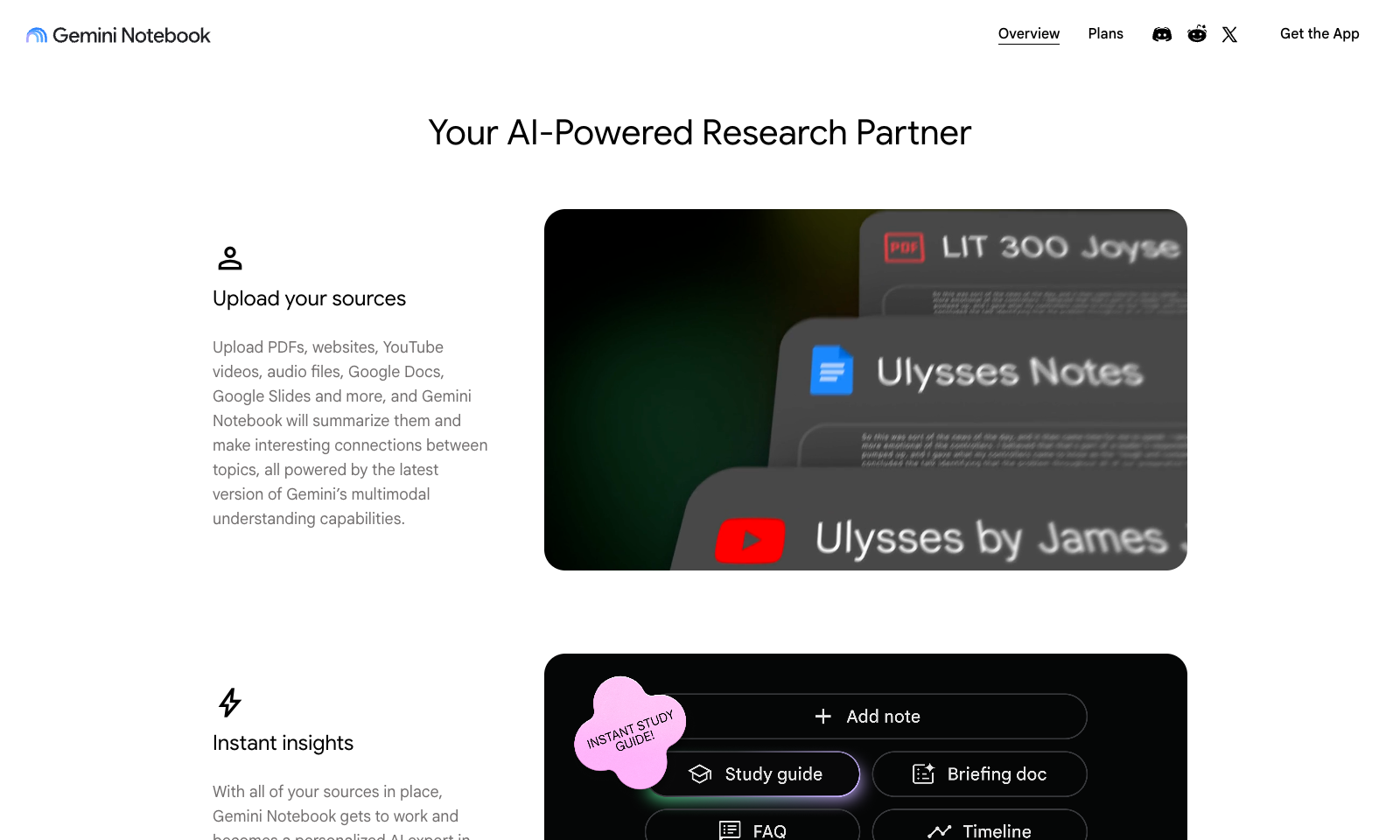
NotebookLM is Google's tool for working with your own documents. Upload PDFs, articles, notes or slides, then ask questions about them. Its best-known feature, Audio Overviews, turns your sources into a podcast where two AI hosts talk through your material, and it's surprisingly listenable. It's the feature people keep sending to their friends. Since March 2026, Video Overviews can also turn your material into short animated explainers, made with Gemini and Veo. The free version is good enough for real work. NotebookLM Plus, part of Google One AI Premium, adds more voice options, team sharing and higher limits. It only answers from the sources you upload, so it won't pull in things from the open web. That's the whole point, and also its limit.

View Details
AINA

AINA

Self-Improvement

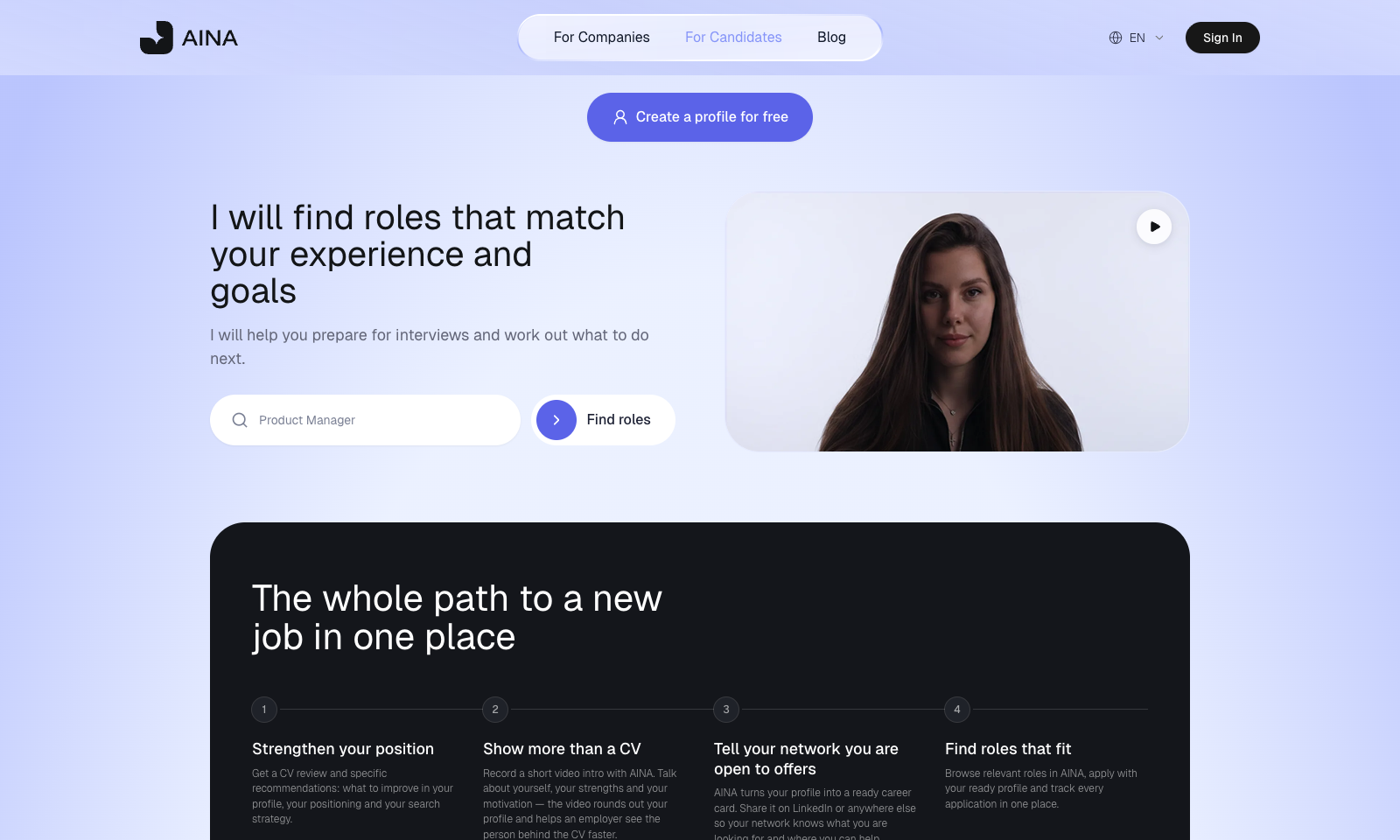
AINA is a free career coach that talks to you as a video avatar. You tell it where you are and where you want to go. It reads your CV, your experience and how you're searching, then gives you a task list instead of a pep talk. The interview practice is the good part. It asks about your own work, follows up, and tells you when an answer sounds generic, runs long, or hands your team the credit for something you did. Around the coach is a job profile: a CV review with specific fixes, a short video intro you record with AINA, a career card for LinkedIn, and a job board where you apply with that profile and track every application. Your sessions are saved, so you can see how far you've come. Candidates pay nothing. Employers pay, because AINA is also a hiring platform, and that's worth keeping in mind.

View Details
AdAnt

AdAnt

MarketingVideo Tools

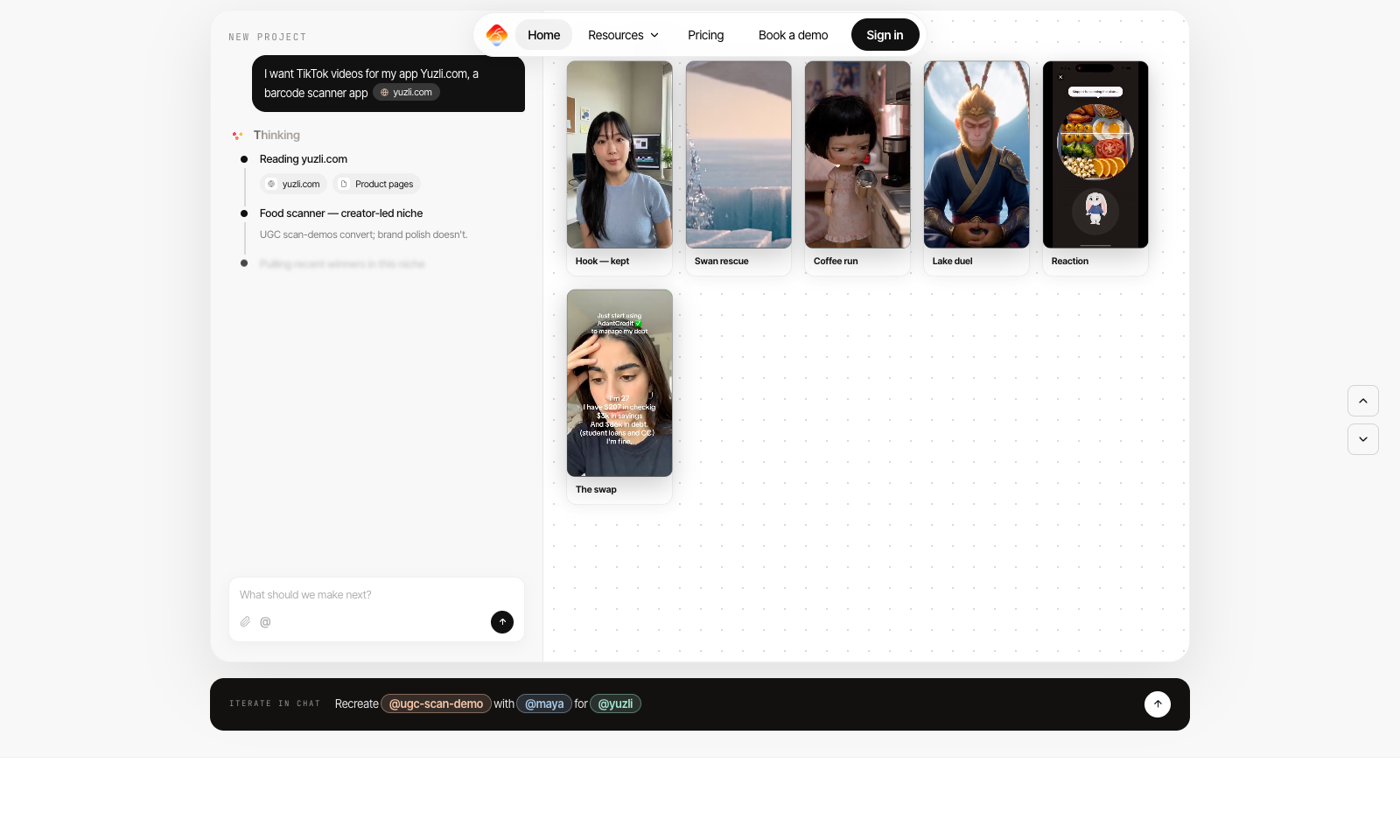
AdAnt takes a product URL or a viral video and turns it into short vertical ads you can keep tweaking in chat. One agent reads your site and pulls formats that are working on TikTok, Reels and Meta. A second one rebuilds that format with your product and an avatar. You pick the template, the avatar and the product, and it generates a batch of 9:16 versions. You get 50 credits when you sign up. Pro is $32.50 a month billed yearly ($390) for 150 credits, which works out to about 300 seconds of video or 2,000 images. Max is $82.50 a month, also billed yearly. The Social Manager tab, which would schedule and post for you, still says coming soon. There's no proper editor, and if all you want is to chop a long recording into clips, OpusClip does that better.

View Details
Cue by Manus

Cue by Manus

ProductivityAutomationAI Agents

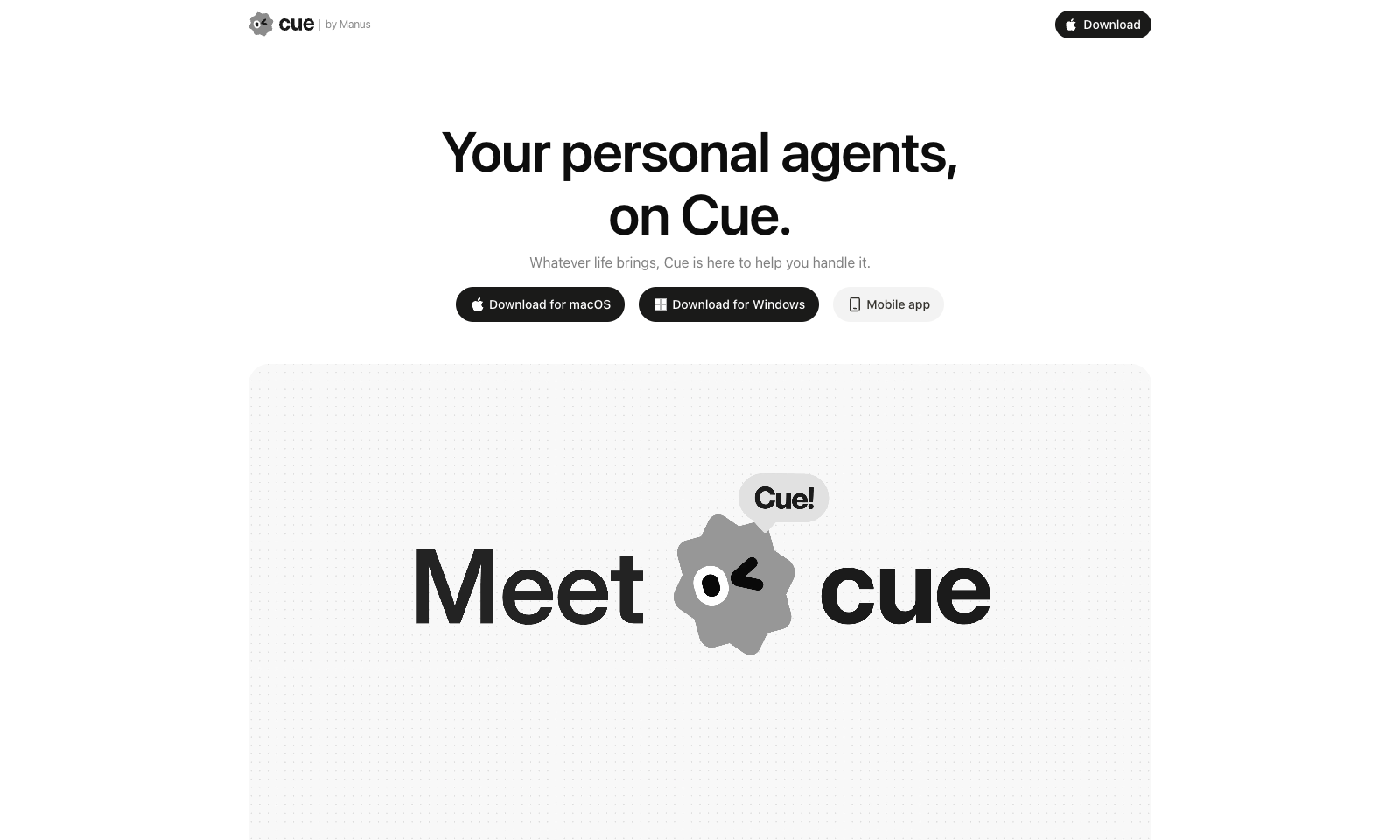
Cue by Manus gives you personal AI agents for everyday life admin, each with its own email address, phone number, wallet and computer. It's meant for busy professionals and families who want to hand off bookings, appointments, reminders and follow-ups. You create an agent in the app, or by scanning a QR code, and set permissions for what it may do on its own. From there you can forward calls to it, let it send emails and make payments, and it keeps working on a task after you log off. Several agents can work together in one group chat. Right now you need an invite code to get in.

View Details
TMRW TOOLS

AI tools we'd actually recommend.

A short list of AI tools for everyday work. We try each one before we write about it.

Navigate

  • Home
  • AI Guide
  • Blog
  • About
  • Contact

Tools

  • Browse Tools
  • Meeting notes
  • Voice writing
  • Spreadsheets
  • Short video
  • Submit Tool
  • Categories
  • Partner Program

Follow us

Legal

Privacy PolicyTerms of ServiceImprint
TMRW TOOLS

AI tools we'd actually recommend.

A short list of AI tools for everyday work. We try each one before we write about it.

Follow us

Navigate

  • Home
  • AI Guide
  • Blog
  • About
  • Contact

Tools

  • Browse Tools
  • Meeting notes
  • Voice writing
  • Spreadsheets
  • Short video
  • Submit Tool
  • Categories
  • Partner Program

Legal

  • Privacy Policy
  • Terms of Service
  • Imprint
TMRW TOOLS

AI tools we'd actually recommend.

A short list of AI tools for everyday work. We try each one before we write about it.

Navigate

  • Home
  • AI Guide
  • Blog
  • About
  • Contact

Tools

  • Browse Tools
  • Meeting notes
  • Voice writing
  • Spreadsheets
  • Short video
  • Submit Tool
  • Categories
  • Partner Program

Follow us

Legal

  • Privacy Policy
  • Terms of Service
  • Imprint
© 2026 TMRW TOOLS. All rights reserved.