TMRWTOOLS
AboutBlog
Submit Tool
TMRW TOOLS
GuideBlogSubmit Tool
  • 01Home
  • 02Guide
  • 03Blog
  • Submit Tool
HOME/Research/NotebookLM
BACK TO TOOLS
HOME/Research/NotebookLM

NotebookLMReview: talk to your own documents

NotebookLM screenshot

NotebookLMReview: talk to your own documents

ResearchProductivity
Freemium

NotebookLM is Google's tool for working with your own documents. Upload PDFs, articles, notes or slides, then ask questions about them. Its best-known feature, Audio Overviews, turns your sources into a podcast where two AI hosts talk through your material, and it's surprisingly listenable. It's the feature people keep sending to their friends. Since March 2026, Video Overviews can also turn your material into short animated explainers, made with Gemini and Veo. The free version is good enough for real work. NotebookLM Plus, part of Google One AI Premium, adds more voice options, team sharing and higher limits. It only answers from the sources you upload, so it won't pull in things from the open web. That's the whole point, and also its limit.

ResearchProductivity
Freemium

Keywords

documents, pdf, research, podcast, audio overview, study, summary, note taking
  • Audio Overviews: AI-generated two-person podcast discussions of your uploaded documents.
  • Cinematic Video Overviews: Animated video explainers of your sources, powered by Gemini and Veo.
  • Source-grounded: Only works from your uploaded material — no hallucinated information from the open web.
  • Free tier: Genuinely usable without a subscription, including Audio Overviews.

TMRW VERDICT

Turn 80 pages of reading into a 15-minute commute

by TMRW Team·Oct 4, 2026

Audio Overviews is the feature that made people say "wait, AI can do this?" The podcast it generates doesn't sound like a robot reading your notes. It sounds like two well-prepared people discussing your material, pushing back on each other and getting to the point. No wonder people keep sharing it.

It's most useful for anyone who has to get through dense material. Students with textbooks, professionals with reports and researchers with papers can upload the source and get a 15-minute audio summary to listen to on the way to work. Video Overviews, added in March 2026, add pictures, though the result looks more like a simple explainer than a film.

Best for students, researchers and professionals who need to absorb long documents quickly. If you need precise citations, or you want output you can edit into a draft, it's the wrong tool, because NotebookLM is built to help you understand rather than to write for you. Sticking to your sources is a real strength. It only discusses what you uploaded.
More Tools Like This

Gauth

Gauth

ResearchSelf-Improvement

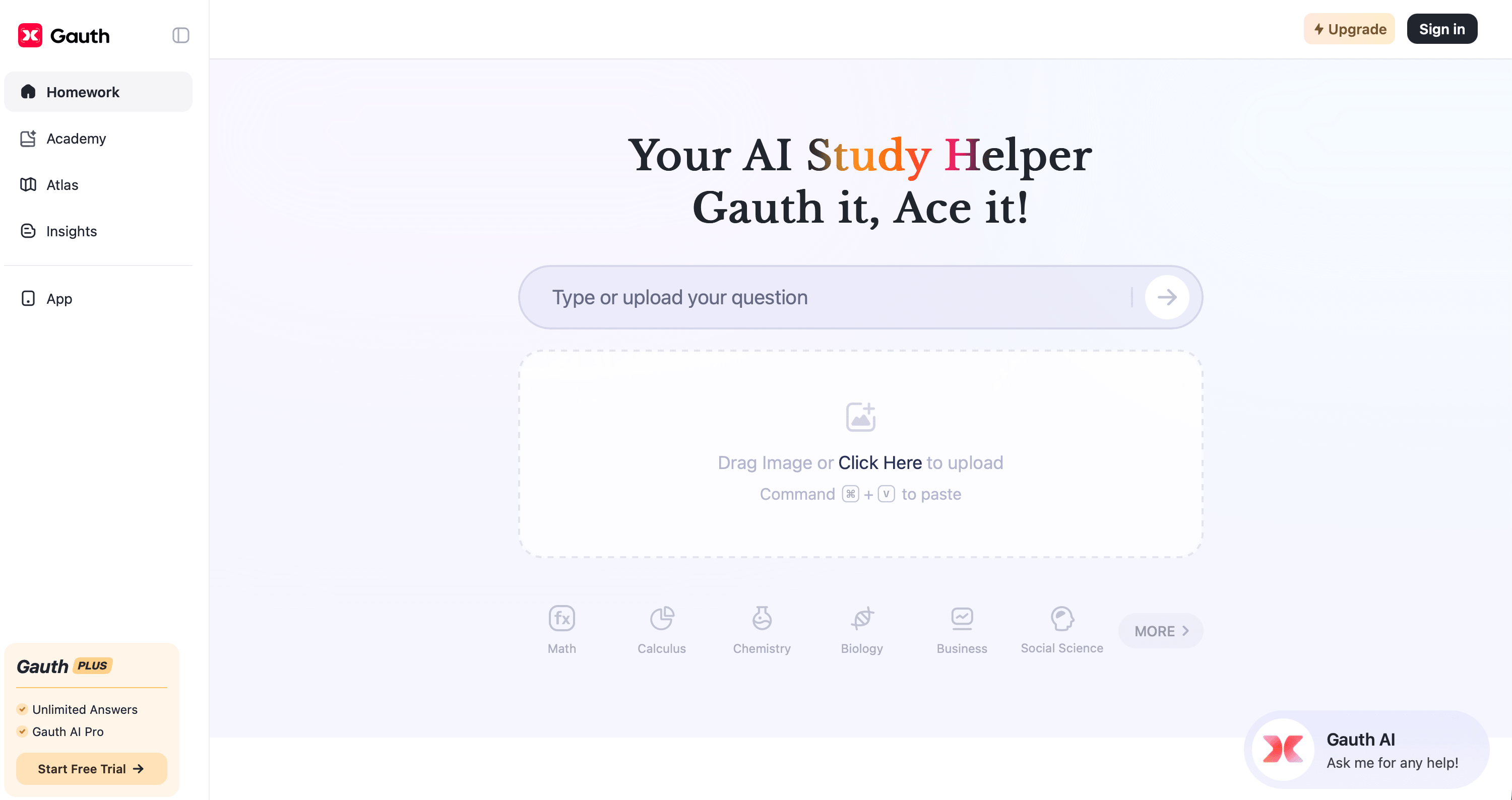
Gauth is an AI study app for students. It solves problems step by step, tutors you through concepts you don't understand, and builds full lessons on any topic you choose. Those lessons play out on a single endless whiteboard. Chapters open side by side while an AI voice narrates and the board notes write themselves in sync. You can zoom from the full concept map down to a single formula. When you pause to ask the tutor something, the answer appears on the board right under that step and stays there.

View Details
DeepCell

DeepCell

ProductivityBusiness Tools

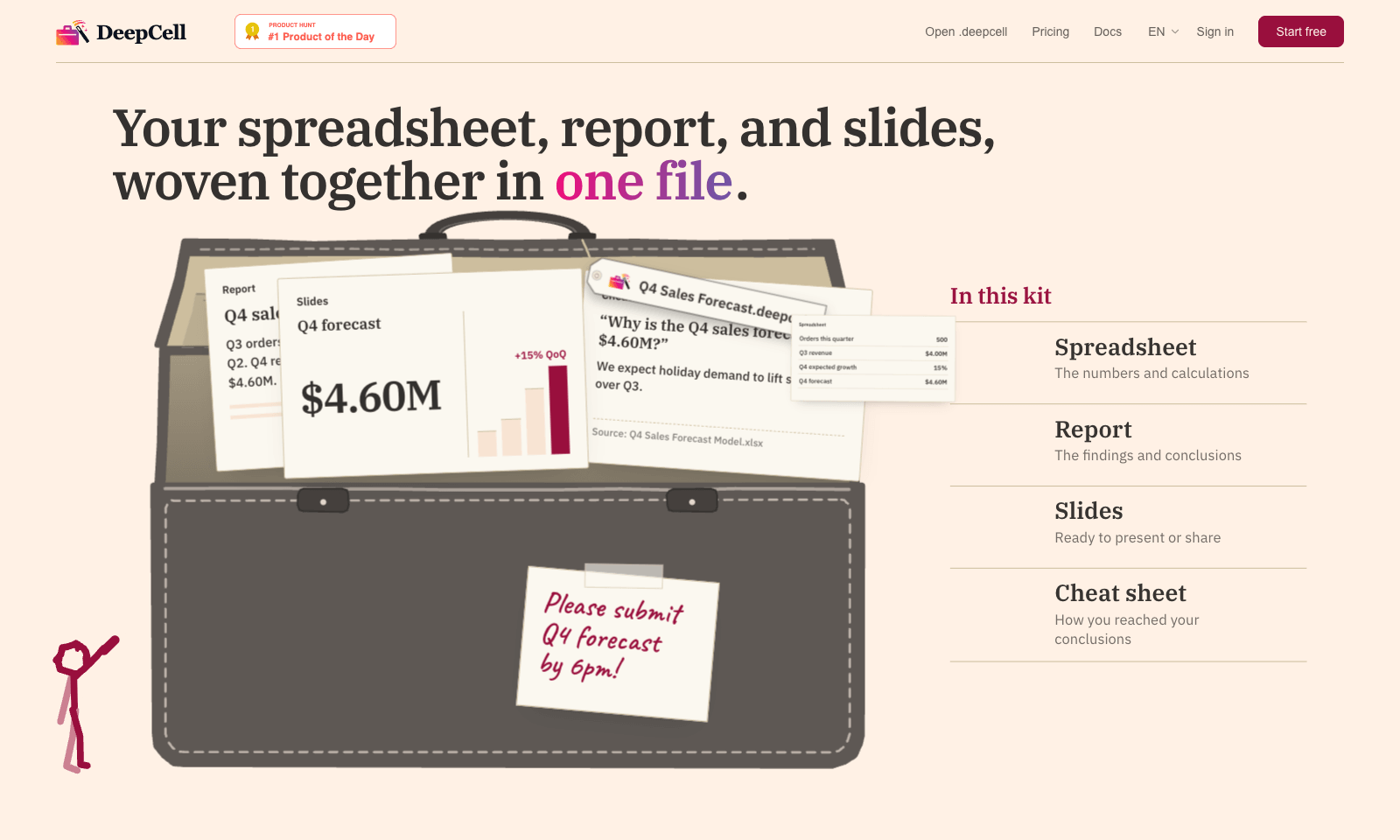
DeepCell keeps your spreadsheet, your write-up, and your slides in one file, so the numbers can't drift apart. Start from last quarter's work and the latest data, and you get back a single .deepcell with a spreadsheet, a report, a deck, and a cheat sheet explaining how you got there. Change one assumption and it flows through everything. In the demo, nudging Q4 growth from 15% to 20% moves the forecast from $4.60M to $4.80M in the sheet, the report, and the slide at once. The cheat sheet is the clever part. When someone asks why the slide says 500 orders and the morning report said 480, it points to the 20-unit order that landed at 11:40 and names the file it came from. You build kits through the AI agent you already use, with DeepCell's CLI and MCP connector doing the work. It's free for individuals with no account needed to start. Sign up if you want to keep files past 30 days. Teams is still on a waitlist.

View Details
Hemory

Hemory

ProductivityTranscription

Hemory is a phone app that listens to your day and turns what people said into something you can search. Start it by hand or on a schedule, like weekdays 9 to 6, on iPhone, Android or Apple Watch. It splits your day into meetings, meals, work and small talk, and tells speakers apart by voice. Meetings get proper minutes with decisions and action items. Lunch gets a short note. Ask it what Daniel promised on Tuesday and it answers from the transcripts, in any of 100 languages. Claude Code, Codex, Cursor and other MCP tools can read the same memory with a read-only key. Audio is processed as it streams, and the raw recording stays on your phone or watch. The trial gives you 10 hours of listening. Starter is $10 a month for 20 hours and Pro is $20 for 60. Silence doesn't count. Desktop and web apps aren't out yet.

View Details
Iris

Iris

ProductivityAutomation

Iris is an AI agent you text from iMessage. You tell it what you need in an ordinary Messages thread. When it needs access to Gmail, Calendar or Drive, it sends you a link to connect that one account, so there's no setup up front. Anything you ask for often can be saved as a skill and run again later. It can write, code and translate. The free plan includes iMessage, the supported connections, memory and saved skills, and doesn't ask for a card. Plus is a paid monthly plan for longer jobs and scheduled skills. Everything happens over iMessage and SMS, so there's no app or desktop window to learn. That's great if you live in Messages. If you're Android only, or you want an assistant that docks next to your work on a Mac, look at Sider Omni instead.

View Details
TMRW TOOLS

AI tools we'd actually recommend.

A short list of AI tools for everyday work. We try each one before we write about it.

Navigate

  • Home
  • AI Guide
  • Blog
  • About
  • Contact

Tools

  • Browse Tools
  • Meeting notes
  • Voice writing
  • Spreadsheets
  • Short video
  • Submit Tool
  • Categories
  • Partner Program

Follow us

Legal

Privacy PolicyTerms of ServiceImprint
TMRW TOOLS

AI tools we'd actually recommend.

A short list of AI tools for everyday work. We try each one before we write about it.

Follow us

Navigate

  • Home
  • AI Guide
  • Blog
  • About
  • Contact

Tools

  • Browse Tools
  • Meeting notes
  • Voice writing
  • Spreadsheets
  • Short video
  • Submit Tool
  • Categories
  • Partner Program

Legal

  • Privacy Policy
  • Terms of Service
  • Imprint
TMRW TOOLS

AI tools we'd actually recommend.

A short list of AI tools for everyday work. We try each one before we write about it.

Navigate

  • Home
  • AI Guide
  • Blog
  • About
  • Contact

Tools

  • Browse Tools
  • Meeting notes
  • Voice writing
  • Spreadsheets
  • Short video
  • Submit Tool
  • Categories
  • Partner Program

Follow us

Legal

  • Privacy Policy
  • Terms of Service
  • Imprint
© 2026 TMRW TOOLS. All rights reserved.