TMRWTOOLS
AboutBlog
Submit Tool
TMRW TOOLS
GuideBlogSubmit Tool
  • 01Home
  • 02Guide
  • 03Blog
  • Submit Tool
HOME/Browser Tools/BrowserOS neo
BACK TO TOOLS
HOME/Browser Tools/BrowserOS neo

BrowserOS neoReview: a browser built for agents

BrowserOS neo screenshot

BrowserOS neoReview: a browser built for agents

Browser ToolsAutomation
Free

BrowserOS neo is a free, open-source browser for AI agents. It's a second Chromium that runs next to your normal Chrome. You import your Chrome profile in one click and connect Claude Code, Cursor, Codex, VS Code or Zed over MCP. The agent then gets its own tabs, signed into your accounts, while you keep working in your own window. The new-tab page shows which agent is running, on which site, and for how long. Most AI browsers want to replace the one you use every day. Neo doesn't bother. It's a spare window you hand to an agent so it can use Gmail, GitHub or Notion as you, and it saves sessions, screenshots and replays as files on your machine. It runs on macOS and Windows, is licensed under AGPL, and you bring your own model keys. If you were hoping for a smarter everyday browser, this isn't it.

Browser ToolsAutomation
Free

Keywords

browser, mcp, agents, local, open-source
  • Your logins, their tabs: one-click Chrome import. Agents drive Gmail, Notion, GitHub — not a headless sandbox.
  • MCP, not a new chat: connect Claude Code, Cursor, Codex, VS Code, or Zed from the new-tab board.
  • Watch and rewind: live dashboard of every agent, then a scrubbable replay when it goes sideways.
  • Local, AGPL, free: macOS and Windows. No cloud browser. You bring the model keys.

TMRW VERDICT

Give the agent its own browser

by TMRW Team·Oct 4, 2026

BrowserOS neo gets the basics right. An agent doing real work needs a real browser session, with cookies, logins and single sign-on, but it shouldn't be using yours. A second Chromium profile with a control board and session replays is a better answer than a smarter address bar, and neo is the cleanest version of that idea available right now.

You get one-click import of your Chrome profile, MCP connections to the agents you already pay for, a live view of every running agent, and replays you can scrub through, saved as local files. The FAQ reads like it was written by someone who has watched agents fail. It says plainly what neo isn't (a cloud browser, or Chrome with a chatbot bolted on) and where your data goes, which is nowhere.

If you just want ChatGPT to browse for you, use the ChatGPT desktop app or its Chrome extension. If Comet is already your everyday browser, neo is a second install for a problem you've solved another way. And if you're not comfortable giving an agent your real cookies, stop here. That access is the whole point, and the whole risk.

It's one of the most honest, complete products in our list. Start it on a small, contained chore, and keep it away from your bank tab until it has earned more trust.
More Tools Like This

Cue by Manus

Cue by Manus

ProductivityAutomationAI Agents

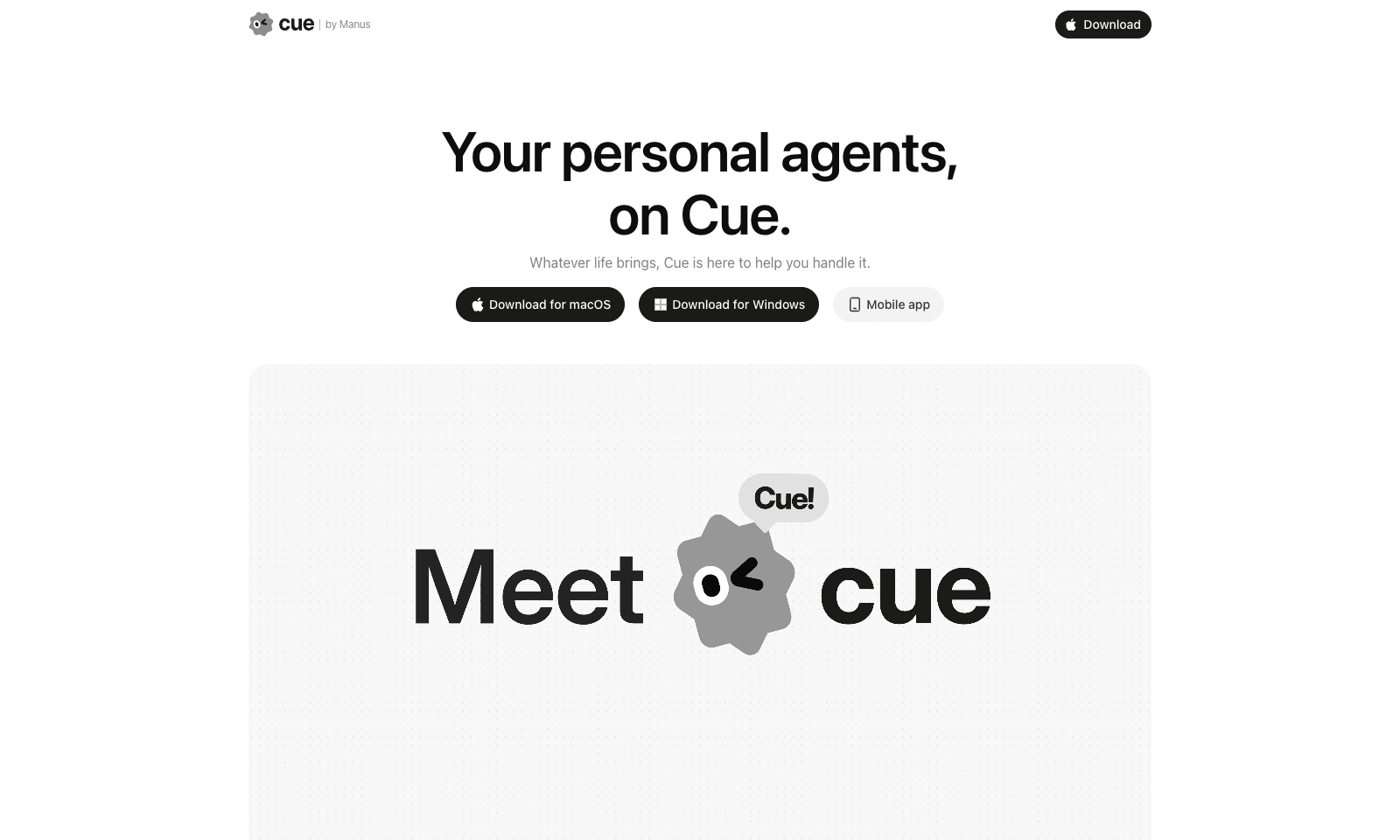
Cue by Manus gives you personal AI agents for everyday life admin, each with its own email address, phone number, wallet and computer. It's meant for busy professionals and families who want to hand off bookings, appointments, reminders and follow-ups. You create an agent in the app, or by scanning a QR code, and set permissions for what it may do on its own. From there you can forward calls to it, let it send emails and make payments, and it keeps working on a task after you log off. Several agents can work together in one group chat. Right now you need an invite code to get in.

View Details
ClawsGO Science

ClawsGO Science

Education & LearningProductivity

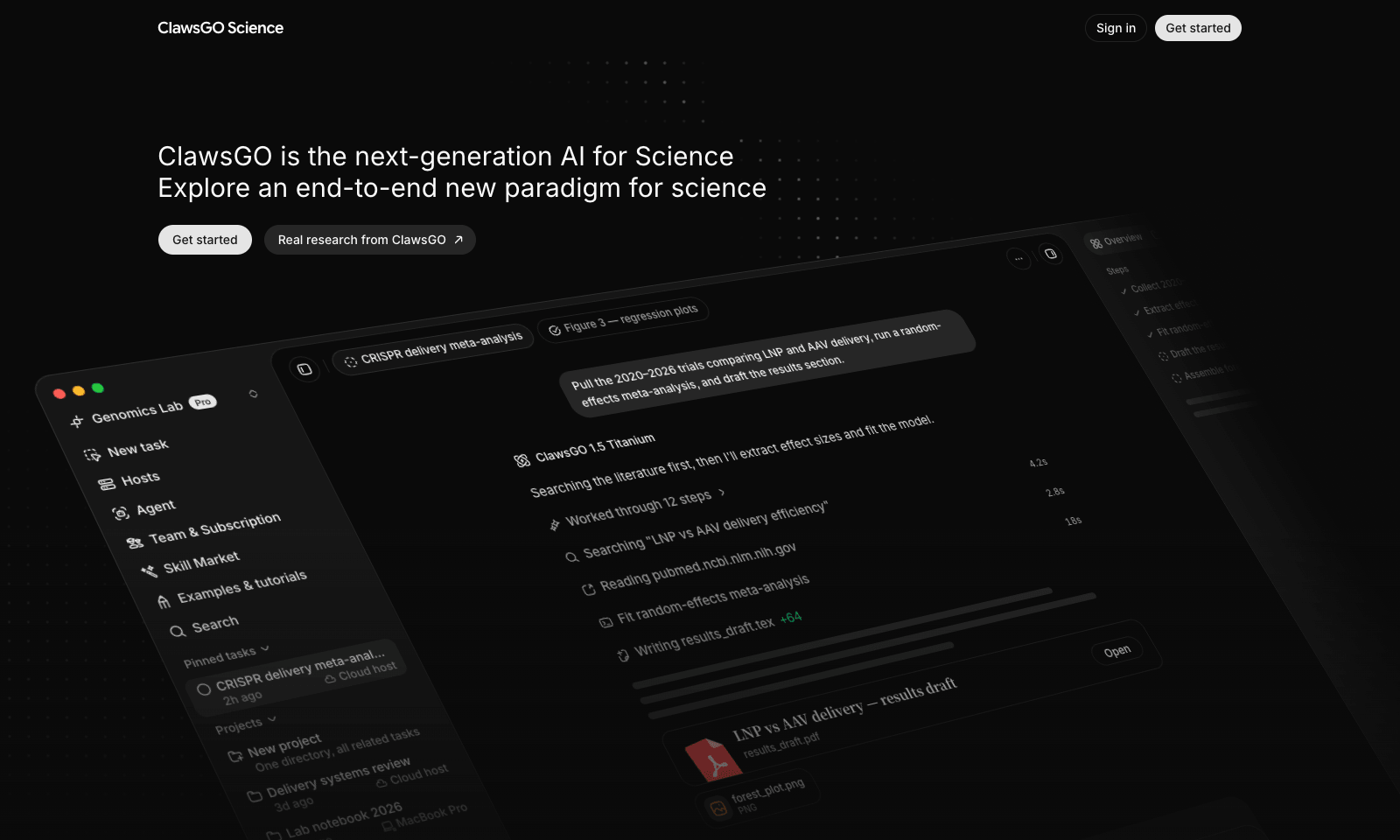
ClawsGO Science is a research agent with its own cloud computer. Give it a task in plain English, such as "pull the 2020–2026 trials comparing two treatments, run a meta-analysis, and draft the results section," and it searches the literature, screens papers, extracts the data into CSV tables, runs the statistics in Python, draws the forest plot, and writes the draft with citations. LaTeX manuscripts compile straight to PDF. Every search, command, and file edit is logged and replayable, so you can check the work instead of trusting it. You can point it at your own files with @, switch the underlying model per task, or connect a lab GPU over SSH for heavy jobs. It's aimed at researchers, but also at consultants, policy analysts, and due-diligence teams. The cloud machine isn't billed separately; you pay for model use in credits, and plan prices sit inside the app.

View Details
Olostep

Olostep

Developer ToolsAutomation

Olostep is a web data API for AI agents that need the actual page, not a search snippet. Paste a URL and choose Scrape, Crawl, Map, Search or Answer. You get back Markdown, HTML, JSON or a screenshot, with JavaScript rendered and residential IPs behind it, and you only pay when a request works. The same tools come as a REST API, a command-line tool and MCP, so Cursor or Claude Code can fetch a page without you pasting HTML into the chat. The trial gives you 500 successful requests with no card. Starter is $9 a month for 5,000. It's a plain API, so there's no chatbot to talk to and no browser to babysit. If the scraper you already pay for works, keep it. Olostep is for when your agent keeps failing because a page is built in JavaScript and a simple fetch comes back empty.

View Details
Sider Omni

Sider Omni

ProductivityAutomation

Sider Omni is a Mac sidebar that attaches to whatever window you're working in, like Numbers, Mail, Keynote or Safari. When a task needs it, it reads that window and does the work there. It can draft a reply with sources right next to the email you're answering, without you copying things back and forth from a chat tab. You get one Omni per window, and it follows the window when you move it or go fullscreen. It can also run on ChatGPT or Codex credits you already have. Setup takes a minute. You need to grant Accessibility and Screen Recording permissions, and it's Mac only (macOS 15 or later). It doesn't read your screen in the background. It asks when a tool needs to see the window, and normal chat still works if you say no to screen recording. If a regular chat window already does the job for you, you won't miss it.

View Details
TMRW TOOLS

AI tools we'd actually recommend.

A short list of AI tools for everyday work. We try each one before we write about it.

Navigate

  • Home
  • AI Guide
  • Blog
  • About
  • Contact

Tools

  • Browse Tools
  • Meeting notes
  • Voice writing
  • Spreadsheets
  • Short video
  • Submit Tool
  • Categories
  • Partner Program

Follow us

Legal

Privacy PolicyTerms of ServiceImprint
TMRW TOOLS

AI tools we'd actually recommend.

A short list of AI tools for everyday work. We try each one before we write about it.

Follow us

Navigate

  • Home
  • AI Guide
  • Blog
  • About
  • Contact

Tools

  • Browse Tools
  • Meeting notes
  • Voice writing
  • Spreadsheets
  • Short video
  • Submit Tool
  • Categories
  • Partner Program

Legal

  • Privacy Policy
  • Terms of Service
  • Imprint
TMRW TOOLS

AI tools we'd actually recommend.

A short list of AI tools for everyday work. We try each one before we write about it.

Navigate

  • Home
  • AI Guide
  • Blog
  • About
  • Contact

Tools

  • Browse Tools
  • Meeting notes
  • Voice writing
  • Spreadsheets
  • Short video
  • Submit Tool
  • Categories
  • Partner Program

Follow us

Legal

  • Privacy Policy
  • Terms of Service
  • Imprint
© 2026 TMRW TOOLS. All rights reserved.