TMRWTOOLS
AboutBlog
Submit Tool
TMRW TOOLS
GuideBlogSubmit Tool
  • 01Home
  • 02Guide
  • 03Blog
  • Submit Tool
HOME/Text-To-Speech/CastReader
BACK TO TOOLS
HOME/Text-To-Speech/CastReader

CastReaderReview: reads pages and books aloud

CastReader screenshot

CastReaderReview: reads pages and books aloud

Text-To-SpeechProductivityAutomation
Freemium

CastReader reads web pages, PDFs, Google Docs and Kindle books out loud, highlighting each word as it goes and scrolling for you. It's a Chrome and Edge extension, with apps for iPhone and Android. When a passage gets dense, Read & Explain adds notes to the page and talks you through it, so you keep the original text instead of getting a summary. It recognizes nine languages on its own. You can start free without signing up: 20 minutes of reading and three explanations a day. Kindle is where it beats everyone else. Amazon's web reader scrambles its fonts, so extensions like Speechify, NaturalReader and Read Aloud end up reading gibberish. CastReader runs OCR in your browser on what's actually on screen, gets the words back, highlights them as it reads and turns the pages itself. It doesn't download or decrypt your books. It only reads what you're already looking at.

Text-To-SpeechProductivityAutomation
Freemium

Keywords

text-to-speech, kindle, read-aloud, ocr, browser-extension
  • Works on Kindle Cloud Reader: local tesseract OCR reads the rendered page, bypassing the font scrambling that breaks every mainstream TTS extension.
  • Word-synced highlighting with auto-scroll: follow the text as it speaks, click a paragraph to jump there, auto-advance chapter by chapter.
  • Read & Explain on the original page: difficult passages get annotated in place, in your language, with pointers back to the source text.
  • Free to try without an account: 20 minutes of read-aloud and 3 explains per day; site-specific extractors for Notion, Google Docs, arXiv, Substack, ChatGPT, and more.

TMRW VERDICT

The read-aloud that survives Kindle's font scrambling

by TMRW Team·Oct 4, 2026

Read-aloud extensions are a crowded and mostly interchangeable bunch, and we wouldn't list another one without a good reason. CastReader's reason is Kindle. It works in Kindle Cloud Reader, where the big names fail, and it explains how: it runs OCR on the page as it's displayed and tracks where each word sits. Most tools in this category just say "AI". This one can tell you how its one hard trick works.

There are limits, and the site is upfront about them. It depends on how Cloud Reader currently lays out pages, publishers control some text-to-speech permissions, and the OCR only reads what's on screen in your own signed-in account. If you're cautious about Amazon's terms of service, read CastReader's FAQ before a long session. It's also not an audiobook. A narrator's performance and a synthetic voice reading OCR text are different things.

If you only want articles read aloud, you don't need it. Edge has a built-in reader and every competitor handles normal web pages fine. Install this one for a Kindle library you want to hear on your laptop or phone, or for Read & Explain when you're working through dense material in a second language. Its German support is especially thorough, covering voices, the interface and Kindle OCR.

Everything depends on whether the OCR and automatic page turns hold up over an hour of listening. The free tier needs no account, so try a chapter from your own library before you pay for anything.

More Tools Like This

ToneCraft

ToneCraft

Audio ToolsText-To-Speech

ToneCraft turns a recording or a script into a voice-over you can publish. Upload audio or video, check the transcript with each speaker labeled, edit the lines, then pick a new voice from 56 options. Twenty-six come with every plan, and the other 30 need a paid plan. You can export MP3, WAV or a timed SRT subtitle file. There's a two-speaker demo on the homepage you can try without an account, but transcribing your own files needs a sign-in. The free plan gives you 25,000 characters a month, with a spoken outro added. Creator is $7 a month after 14 free days, which covers about three hours of audio. Channel is $15, and Pro is $39 with no trial. It won't clone a real person's voice, and it won't put the new audio back onto your video for you. For cloning, look at ElevenLabs.

View Details
Scape

Scape

Productivity

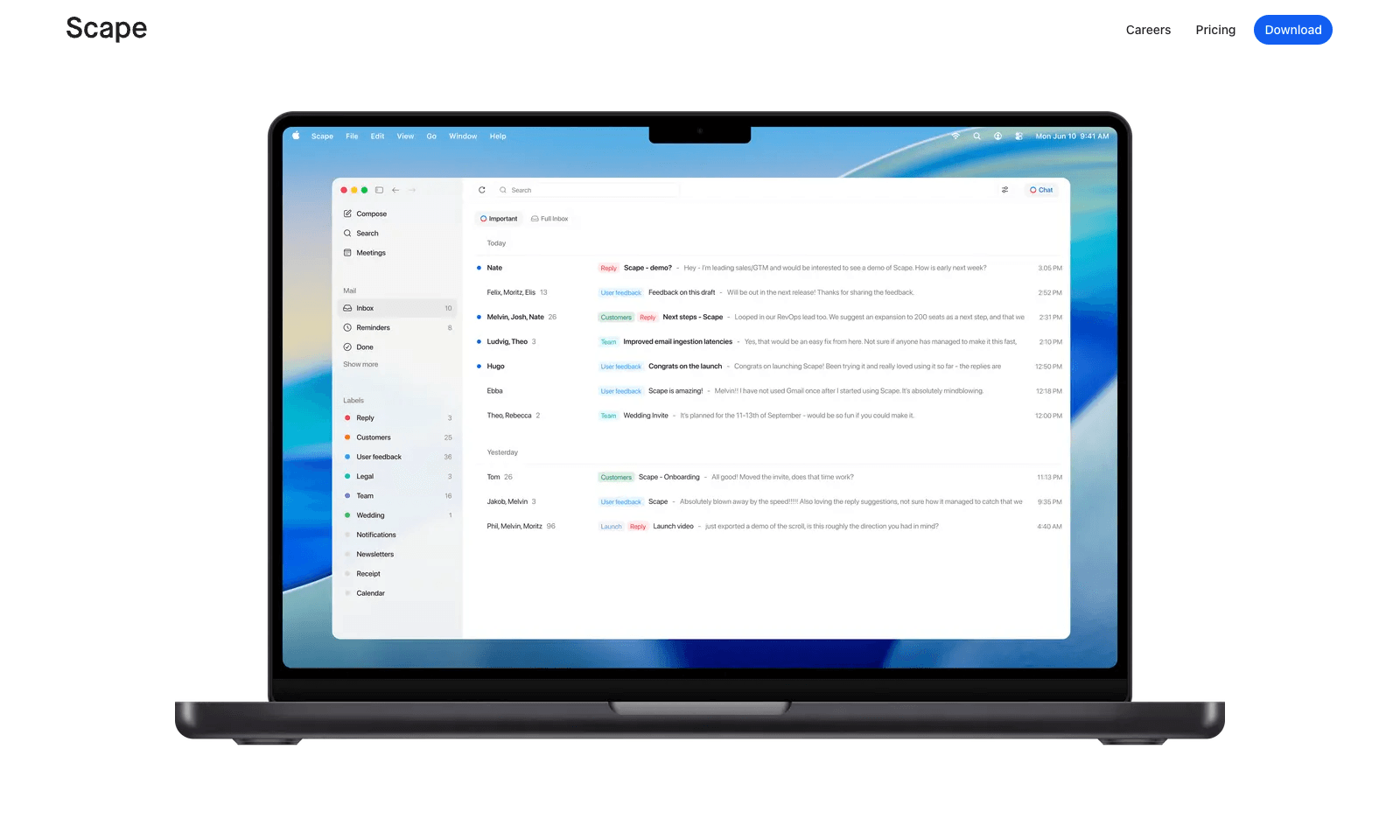
Scape is a desktop email app that reads ahead. Before you open a thread, it has picked out the few emails that need you, drafted the replies, and pulled in what it needs from your calendar, attachments, and past meetings. You review, edit, and send. The rest of the inbox gets labels that sync back to Gmail, so nothing is lost if you open Gmail later. The meeting part is what sets it apart. Scape spots your next Zoom, Meet, Teams, or FaceTime call and records it on your Mac with one click, no bot in the call, transcribing in 99 languages. When the call ends, the follow-up email is already drafted from what was said. It's a preview release from a Stockholm team backed by Y Combinator. Free covers unlimited inboxes and recordings. Plus is $20 a month for automations and higher AI limits; Max is $100.

View Details
Strawberry

Strawberry

AutomationProductivity

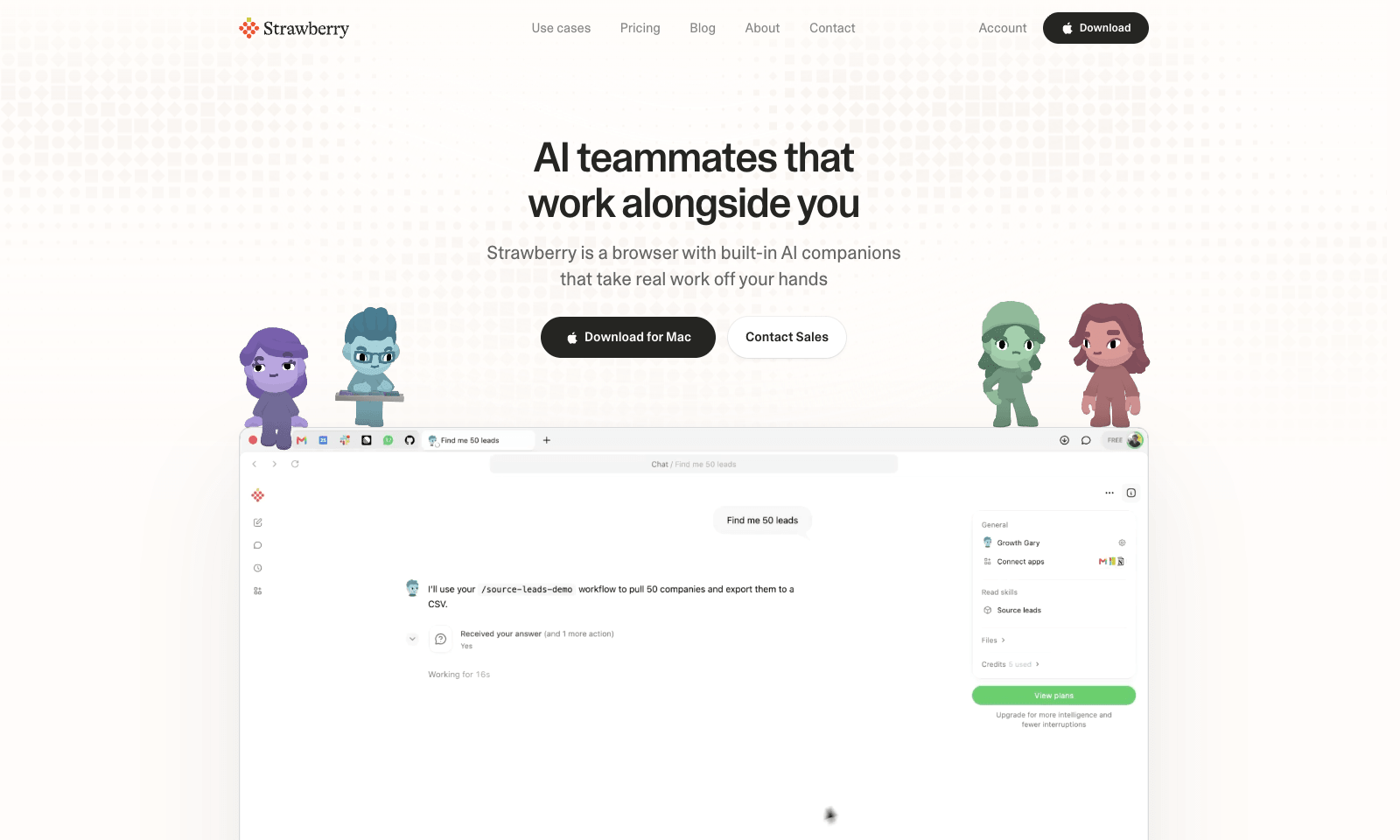
Strawberry is a desktop browser for Mac and Windows with AI "companions" that work inside your open tabs. Ask Sales Sally for prospects from LinkedIn and she builds the lead list in a Google Sheet, with company names and a fit rating. Talent Theo scores candidates against a role. Executive Ellis writes a morning brief and tracks follow-ups. You can also build your own companion around a process your team repeats every week. Because it's a real browser, the companions can work on pages behind your logins, like LinkedIn, HubSpot, and Gmail. Strawberry says passwords, cookies, and history stay on your machine, and you set permissions per app and per action. It also transcribes Zoom, Teams, and Meet calls without a bot joining. Browsing is free. Companion work costs credits: 500 a month free, then $20 for 6,000, up to $250 for 75,000.

View Details
Hola AI Voicemail

Hola AI Voicemail

Productivity

Hola AI answers the calls you miss. When you're busy, don't pick up, or the phone is off, the call forwards to an AI assistant that talks to the caller, finds out what they want, and sends you a summary by push, text, or email. Calls land in an inbox tagged Work, Family, Appointment, or Delivery, spam goes to its own tab, and you can call back or mark a call important with one tap. It uses your existing number through call forwarding, so there's no new SIM and no second number. You can choose from seven voices and personalities and greet saved contacts by name. Every call keeps a recording and a searchable transcript, and you can delete a single call or all of your data. It's on iPhone and Android, at $4.99 a month for the first six months and $9.99 after that, with a three-day free trial.

View Details
TMRW TOOLS

AI tools we'd actually recommend.

A short list of AI tools for everyday work. We try each one before we write about it.

Navigate

  • Home
  • AI Guide
  • Blog
  • About
  • Contact

Tools

  • Browse Tools
  • Meeting notes
  • Voice writing
  • Spreadsheets
  • Short video
  • Submit Tool
  • Categories
  • Partner Program

Follow us

Legal

Privacy PolicyTerms of ServiceImprint
TMRW TOOLS

AI tools we'd actually recommend.

A short list of AI tools for everyday work. We try each one before we write about it.

Follow us

Navigate

  • Home
  • AI Guide
  • Blog
  • About
  • Contact

Tools

  • Browse Tools
  • Meeting notes
  • Voice writing
  • Spreadsheets
  • Short video
  • Submit Tool
  • Categories
  • Partner Program

Legal

  • Privacy Policy
  • Terms of Service
  • Imprint
TMRW TOOLS

AI tools we'd actually recommend.

A short list of AI tools for everyday work. We try each one before we write about it.

Navigate

  • Home
  • AI Guide
  • Blog
  • About
  • Contact

Tools

  • Browse Tools
  • Meeting notes
  • Voice writing
  • Spreadsheets
  • Short video
  • Submit Tool
  • Categories
  • Partner Program

Follow us

Legal

  • Privacy Policy
  • Terms of Service
  • Imprint
© 2026 TMRW TOOLS. All rights reserved.