TMRWTOOLS
AboutBlog
Submit Tool
TMRW TOOLS
GuideBlogSubmit Tool
  • 01Home
  • 02Guide
  • 03Blog
  • Submit Tool
HOME/Automation/Strawberry
BACK TO TOOLS
HOME/Automation/Strawberry

StrawberryReview: a browser that does the tab work for you
Strawberry screenshot

StrawberryReview: a browser that does the tab work for you

AutomationProductivity
Freemium

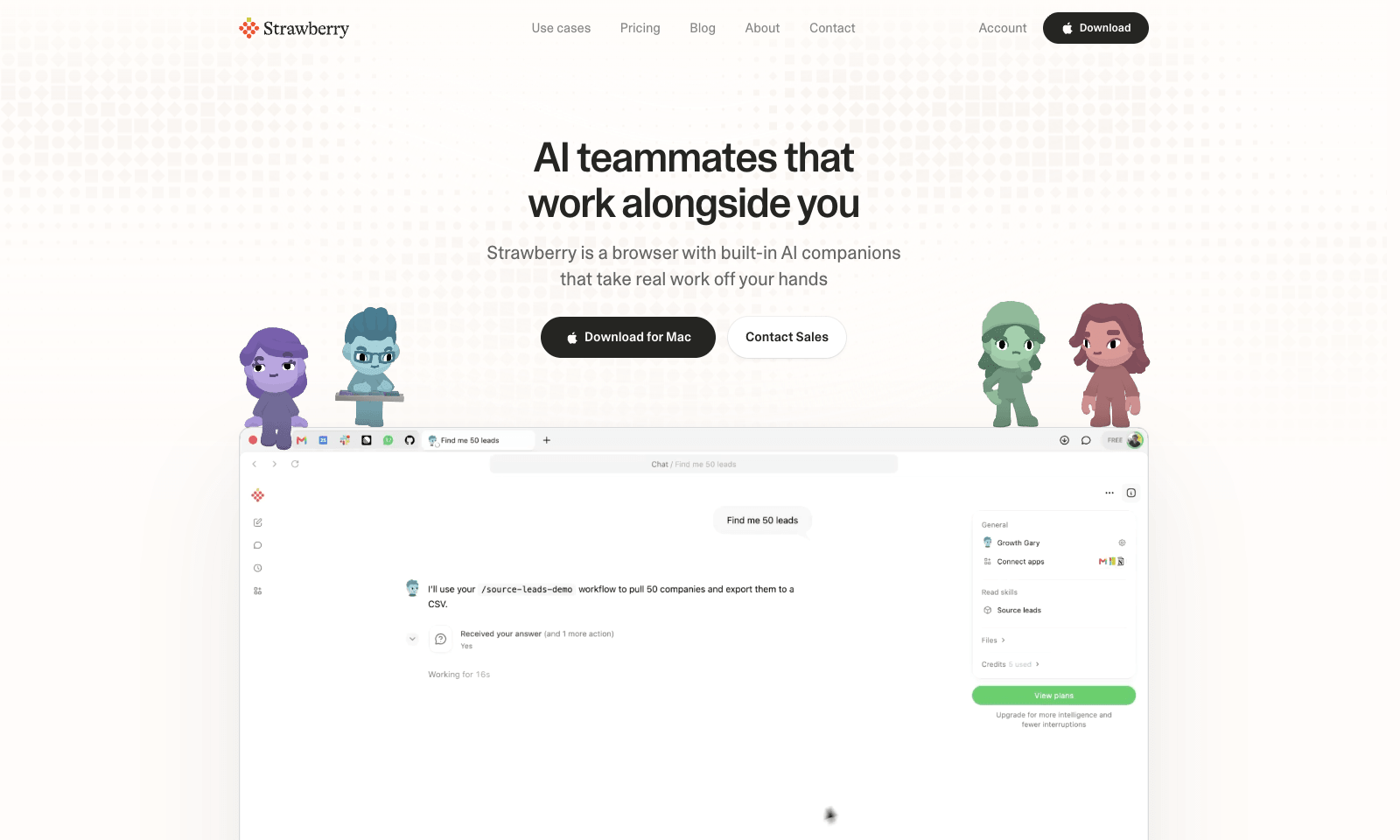
Strawberry is a desktop browser for Mac and Windows with AI "companions" that work inside your open tabs. Ask Sales Sally for prospects from LinkedIn and she builds the lead list in a Google Sheet, with company names and a fit rating. Talent Theo scores candidates against a role. Executive Ellis writes a morning brief and tracks follow-ups. You can also build your own companion around a process your team repeats every week.

Because it's a real browser, the companions can work on pages behind your logins, like LinkedIn, HubSpot, and Gmail. Strawberry says passwords, cookies, and history stay on your machine, and you set permissions per app and per action. It also transcribes Zoom, Teams, and Meet calls without a bot joining. Browsing is free. Companion work costs credits: 500 a month free, then $20 for 6,000, up to $250 for 75,000.

AutomationProductivity
Freemium

Keywords

ai browser, lead lists, recruiting, sales research, browser agents
  • Ready-made companions: Sales, recruiting, marketing, consulting, and an executive assistant.
  • Works behind logins: Uses the sessions already open in your tabs.
  • Triggers: A new email or a finished meeting can start a task in HubSpot, Linear, or Notion.
  • Bot-free call notes: Transcribes Zoom, Teams, and Google Meet without a bot in the call.
  • Credit pricing: Free browsing, 500 free credits a month, paid tiers from $20.

TMRW VERDICT

The agent browser for people who don't want to build agents

by TMRW Team·Nov 2, 2026

AI browsers have mostly been built for people who enjoy tinkering. Strawberry is aimed at the recruiter and the account exec who spend half the day copying things from one tab into a spreadsheet. The companions come with job titles and routines already set up, so you start with "find me leads" instead of a blank chat box. That's the right call.

It left beta on October 26 and finished the week in Product Hunt's top five. The "100 hours a week" line is the company's math for a ten-person team, so read it as a sales pitch. The real test is whether a companion survives LinkedIn's layout and your CRM's quirks for a month. If your week is mostly research and data entry, it's worth that month.

Skip it if you want answers, not actions; ChatGPT or Claude in your usual browser already does that. If you want a browser to hand to your own agents, BrowserOS neo is the better fit. And watch the meter: every companion action spends credits, so a long prospect list costs more than a quick question.

More Tools Like This

Sider Omni

Sider Omni

ProductivityAutomation

Sider Omni is a Mac sidebar that attaches to whatever window you're working in, like Numbers, Mail, Keynote or Safari. When a task needs it, it reads that window and does the work there. It can draft a reply with sources right next to the email you're answering, without you copying things back and forth from a chat tab. You get one Omni per window, and it follows the window when you move it or go fullscreen. It can also run on ChatGPT or Codex credits you already have. Setup takes a minute. You need to grant Accessibility and Screen Recording permissions, and it's Mac only (macOS 15 or later). It doesn't read your screen in the background. It asks when a tool needs to see the window, and normal chat still works if you say no to screen recording. If a regular chat window already does the job for you, you won't miss it.

View Details
Savor

Savor

ProductivitySelf-Improvement

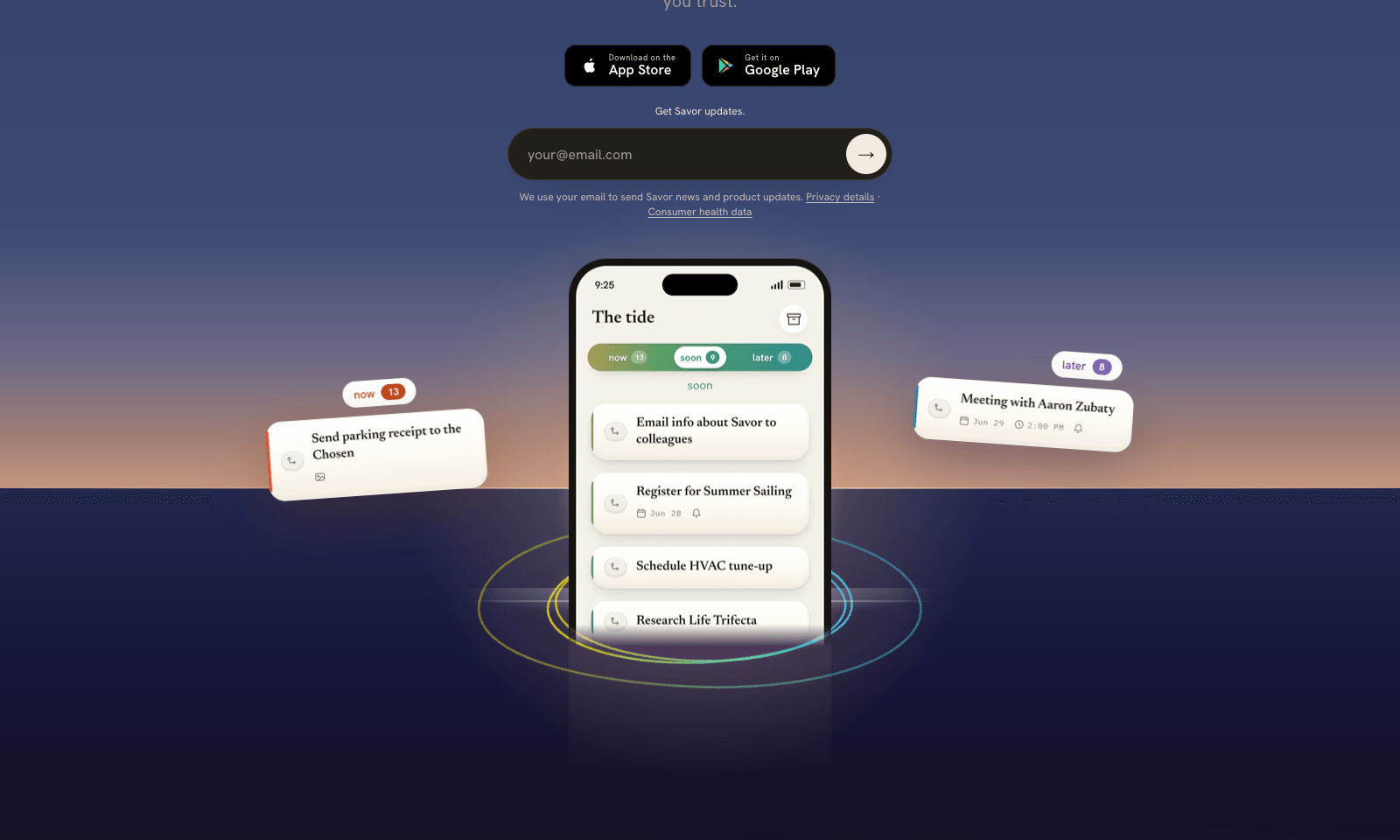
Savor is a free phone app for the things too small or too vague for a to-do list: call the dentist, book that trip, deal with the parking fine. Say it, type it, or snap a photo of the letter or flyer, and Savor turns it into a card. Cards sit in three lanes, Now, Soon, and Later, and come back with a reminder when their date gets close. The AI part is Take Action, still in beta. Open a card and it helps you work out the next step: compare options, build a list, look up public information, or draft the message you've been putting off. You can also hand a card to someone else who uses Savor; once they accept, it's theirs, reminders included. Photos of bills and letters are read automatically, and Siri can add cards hands-free. It's free on iPhone and Android while the company has paid plans on hold.

View Details
WZRD

WZRD

ProductivityBusiness Tools

WZRD turns a document into something your reader can talk to. Upload a PDF, a deck, a spreadsheet or a form, or describe one, and it builds an interactive version with a voice agent inside. A proposal can walk a client through its pricing and answer "what will this actually cost me?" A form can collect answers by voice or typing, and a spreadsheet can explain its own numbers out loud. You share it as a wzrd.to link, a QR code or a private invite. You can also have it make slides, forms, sheets or documents from scratch, and add signatures or file uploads. The free plan covers five projects and 30 voice sessions in total, with WZRD branding. Starter is $15 a month for 60 sessions plus analytics, Maker is $29 and Builder is $79. A voice session counts in full as soon as it starts. If your reader is going to print the file, it's pointless.

View Details
Empacer

Empacer

Business ToolsProductivity

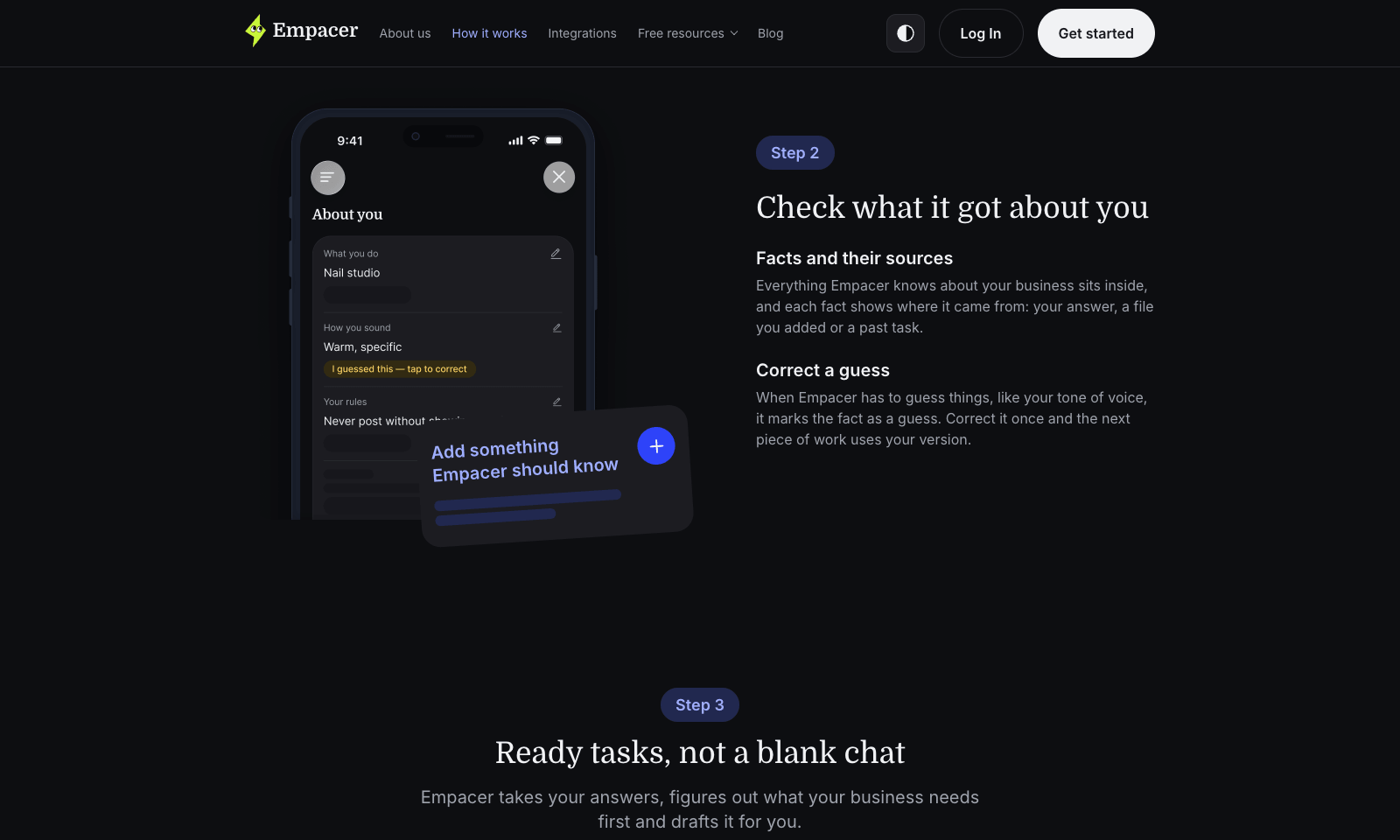
Empacer is an assistant for people who run a business from their phone: the salon owner, the plumber, the two-person bakery. You tap "Think out loud" and say what you need the way you'd brief a new hire. It comes back with the work done: three Instagram posts, a quote, a follow-up to the client who went quiet, a cleaned-up price list. Every draft arrives with Edit and Approve & send buttons, and nothing goes out until you tap the second one. Setup is three questions about your business. Empacer saves the answers as a profile with your prices, your hours, and who your regulars are, then uses it in every draft, so you never write a prompt. It was built for noisy rooms, with voice isolation that filters out hair dryers and traffic. It runs in the browser and on Android, with iOS listed as coming soon. Prices show up only at checkout.

View Details
TMRW TOOLS

AI tools we'd actually recommend.

A short list of AI tools for everyday work. We try each one before we write about it.

Navigate

  • Home
  • AI Guide
  • Blog
  • About
  • Contact

Tools

  • Browse Tools
  • Meeting notes
  • Voice writing
  • Spreadsheets
  • Short video
  • Submit Tool
  • Categories
  • Partner Program

Follow us

Legal

Privacy PolicyTerms of ServiceImprint
TMRW TOOLS

AI tools we'd actually recommend.

A short list of AI tools for everyday work. We try each one before we write about it.

Follow us

Navigate

  • Home
  • AI Guide
  • Blog
  • About
  • Contact

Tools

  • Browse Tools
  • Meeting notes
  • Voice writing
  • Spreadsheets
  • Short video
  • Submit Tool
  • Categories
  • Partner Program

Legal

  • Privacy Policy
  • Terms of Service
  • Imprint
TMRW TOOLS

AI tools we'd actually recommend.

A short list of AI tools for everyday work. We try each one before we write about it.

Navigate

  • Home
  • AI Guide
  • Blog
  • About
  • Contact

Tools

  • Browse Tools
  • Meeting notes
  • Voice writing
  • Spreadsheets
  • Short video
  • Submit Tool
  • Categories
  • Partner Program

Follow us

Legal

  • Privacy Policy
  • Terms of Service
  • Imprint
© 2026 TMRW TOOLS. All rights reserved.