TMRWTOOLS
AboutBlog
Submit Tool
TMRW TOOLS
GuideBlogSubmit Tool
  • 01Home
  • 02Guide
  • 03Blog
  • Submit Tool
HOME/Automation/Gumloop
BACK TO TOOLS
HOME/Automation/Gumloop

GumloopReview: no-code workflows made of agents

Gumloop screenshot

GumloopReview: no-code workflows made of agents

AutomationProductivity
Freemium

Gumloop is a no-code automation tool where each step in a workflow is an AI agent. The steps can scrape a site, research a topic, pull data out of messy text, summarize, and make simple decisions. Think Zapier or Make, rebuilt with AI doing the work. It has more than 115 ready-made blocks, MCP support, scheduled runs and team controls. You drag blocks together to build things that would otherwise need code: process a pile of documents, research across several sources, turn unstructured text into a table, then send the results where they need to go. You pay in credits, so heavy workflows can get expensive. It's also harder to learn than basic automation tools. Gumloop assumes you already know what you want to automate and makes the AI parts easy. It won't teach you automation from scratch.

AutomationProductivity
Freemium

Keywords

automation, workflow, no-code, ai agents, zapier alternative, data extraction, scraping
  • AI-native nodes: Workflow blocks that scrape, research, extract, summarize, and decide — not just trigger/action pairs.
  • 115+ pre-made blocks: Ready-to-use components for common AI automation patterns.
  • MCP support: Connect to AI model providers and tools through the Model Context Protocol.
  • Visual builder: Drag-and-drop interface for chaining complex AI operations without code.

TMRW VERDICT

Automation where the steps can think

by TMRW Team·Oct 4, 2026

Gumloop sits between basic automation tools like Zapier and Make and writing your own code. If you've ever built a Zap and wished one step could read a document, pick out the key points and decide what happens next, that's what Gumloop's AI steps are for. Its library of more than 115 blocks covers the usual jobs: processing documents, researching the web, pulling out data and updating a CRM.

The trade-off is complexity. Gumloop expects you to understand automation already. It won't explain what a trigger is, and it focuses on making the AI parts easy instead. If you've never used an automation tool, start with Zapier. If you've outgrown Zapier because your workflows need some judgment, Gumloop is the next step.

Best for operations, marketing and data teams running repetitive work that needs decisions along the way, rather than just moving data around. Watch the credit pricing and estimate your volume before you commit, because heavy workflows get expensive fast. If all you need is simple "when this happens, do that" automations, you'd be paying for power you won't use.
More Tools Like This

Strawberry

Strawberry

AutomationProductivity

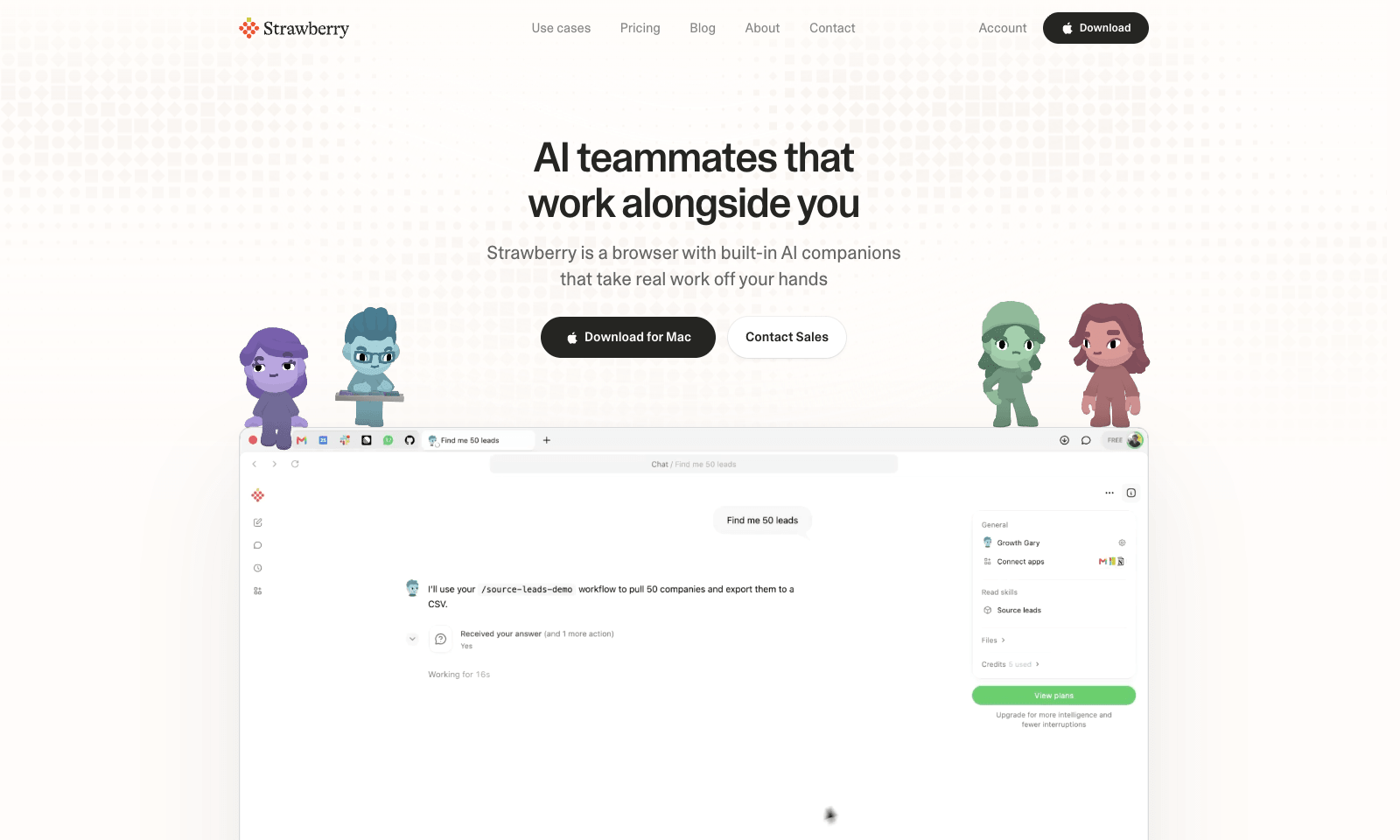
Strawberry is a desktop browser for Mac and Windows with AI "companions" that work inside your open tabs. Ask Sales Sally for prospects from LinkedIn and she builds the lead list in a Google Sheet, with company names and a fit rating. Talent Theo scores candidates against a role. Executive Ellis writes a morning brief and tracks follow-ups. You can also build your own companion around a process your team repeats every week. Because it's a real browser, the companions can work on pages behind your logins, like LinkedIn, HubSpot, and Gmail. Strawberry says passwords, cookies, and history stay on your machine, and you set permissions per app and per action. It also transcribes Zoom, Teams, and Meet calls without a bot joining. Browsing is free. Companion work costs credits: 500 a month free, then $20 for 6,000, up to $250 for 75,000.

View Details
Hemory

Hemory

ProductivityTranscription

Hemory is a phone app that listens to your day and turns what people said into something you can search. Start it by hand or on a schedule, like weekdays 9 to 6, on iPhone, Android or Apple Watch. It splits your day into meetings, meals, work and small talk, and tells speakers apart by voice. Meetings get proper minutes with decisions and action items. Lunch gets a short note. Ask it what Daniel promised on Tuesday and it answers from the transcripts, in any of 100 languages. Claude Code, Codex, Cursor and other MCP tools can read the same memory with a read-only key. Audio is processed as it streams, and the raw recording stays on your phone or watch. The trial gives you 10 hours of listening. Starter is $10 a month for 20 hours and Pro is $20 for 60. Silence doesn't count. Desktop and web apps aren't out yet.

View Details
Meeting.ai

Meeting.ai

ProductivityBusiness Tools

Meeting.ai takes a meeting and turns it into the document you'd otherwise make afterwards. Paste a Google Meet, Zoom or Teams link and a bot joins the call. For meetings in a room, record in the browser or the phone app. You get the transcript, the minutes, and a one-page Visual Note of what was decided. Ask it to turn this morning's stand-up into notes and action items and that's what you get. From the same thread you can make the follow-up, like a campaign review, an investor update or notes from a contract negotiation, exported as PowerPoint, Word, Excel or PDF. Intern is €28.50 a month for about 16 hours of online meetings. Manager is €47.50 for about 27 hours with a stronger model, and Director is €66.50 with unlimited in-person notes. Each revision costs coins again, so changes add up.

View Details
AxonSheet

AxonSheet

ProductivityBusiness Tools

AxonSheet is an Excel add-in for doing AI work across lots of cells at once, in the sheet you already have open. Paste in a Word or Markdown dump and it becomes rows. Select empty cells and it fills them using the data around them. You can add a column by describing it in a sentence, add rows that match the table, rewrite cells, or have it look things up on the web and put the results in the grid. If something looks inconsistent, it leaves a comment on the cell. Everything happens inside Excel. It's $49 once for lifetime access, but you plug in your own OpenAI, Gemini, OpenRouter or Ollama key and pay that provider for usage. That's good for privacy and a small hassle to set up. It doesn't work in Google Sheets. And it won't tell you what your numbers mean unless you ask it to.

View Details
TMRW TOOLS

AI tools we'd actually recommend.

A short list of AI tools for everyday work. We try each one before we write about it.

Navigate

  • Home
  • AI Guide
  • Blog
  • About
  • Contact

Tools

  • Browse Tools
  • Meeting notes
  • Voice writing
  • Spreadsheets
  • Short video
  • Submit Tool
  • Categories
  • Partner Program

Follow us

Legal

Privacy PolicyTerms of ServiceImprint
TMRW TOOLS

AI tools we'd actually recommend.

A short list of AI tools for everyday work. We try each one before we write about it.

Follow us

Navigate

  • Home
  • AI Guide
  • Blog
  • About
  • Contact

Tools

  • Browse Tools
  • Meeting notes
  • Voice writing
  • Spreadsheets
  • Short video
  • Submit Tool
  • Categories
  • Partner Program

Legal

  • Privacy Policy
  • Terms of Service
  • Imprint
TMRW TOOLS

AI tools we'd actually recommend.

A short list of AI tools for everyday work. We try each one before we write about it.

Navigate

  • Home
  • AI Guide
  • Blog
  • About
  • Contact

Tools

  • Browse Tools
  • Meeting notes
  • Voice writing
  • Spreadsheets
  • Short video
  • Submit Tool
  • Categories
  • Partner Program

Follow us

Legal

  • Privacy Policy
  • Terms of Service
  • Imprint
© 2026 TMRW TOOLS. All rights reserved.