zCAD AIReview: an editable part from a written description
Freemium
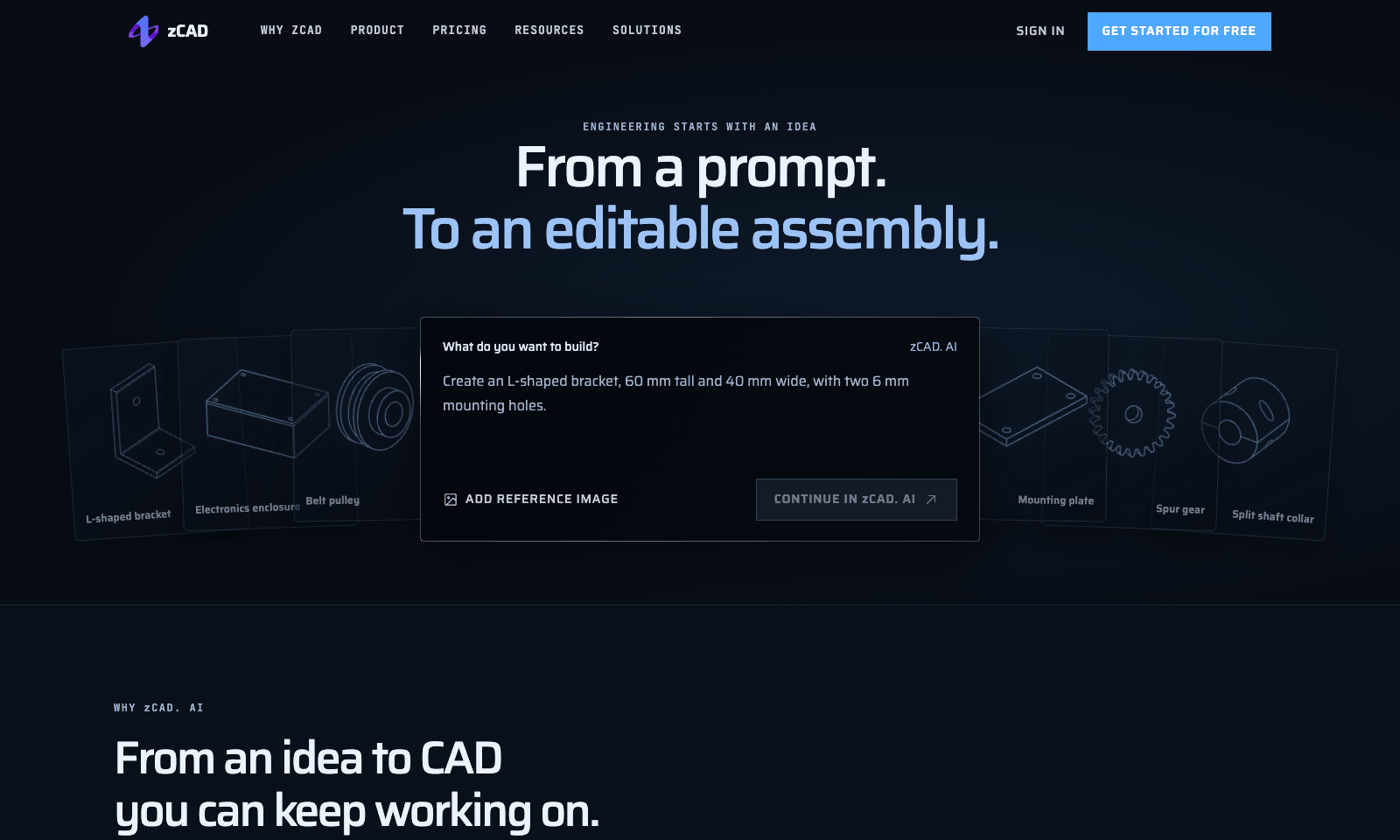
zCAD AI turns a written description into a 3D part you can open and edit in CAD. Describe it the way you'd brief a colleague, with real numbers: an L-shaped bracket with a 60 mm upright, a 50 mm base, 5 mm thick, and a 6 mm hole through each leg. Add a reference image if you have one. You get proper geometry back, not a picture. It handles assemblies too, and the examples run from gears and pulleys up to a drone frame of about 14 parts. Every plan exports STEP, the file other CAD programs open.
Once the AI gets you close, you keep refining the model in zCAD Online, the company's full editor. Free gives you 200 credits a month plus a one-time 600-credit beta bonus, but free models are public, used for training, and limited to non-commercial work. Plus, at $49.99 a month, makes your models private and lets you use them commercially. Pro, at $89.99, adds drawings and full editing in Online.
Freemium
Keywords
cad, step, bracket, assembly, 3d
- Describe it with dimensions: Millimetres, hole sizes, and constraints go straight into the prompt.
- Parts and assemblies: From a single bracket to multi-part builds that fit together.
- STEP on every plan: Take the model into the CAD program you already use.
- Keep going in zCAD Online: Refine the design, make drawings, and work with others.
- Read the free terms: Free models are public, used for training, and non-commercial.
TMRW VERDICT
A fast first draft of a part, not the final drawing
by TMRW Team·Oct 25, 2026
Starting a part from a blank CAD screen is the slow bit, especially if you only model something a few times a year. zCAD AI skips it. You describe a bracket the way you'd describe it out loud, sizes included, and you get editable geometry you can measure, change, and export. Plenty of AI tools will render a slick image of a machine part. You can't send that to a 3D printer or a machine shop. For makers, product designers, and small hardware teams, this is a real shortcut.
Don't treat the result as finished, though. Check every dimension, fit, and load before you print or machine anything, which zCAD's own FAQ tells you to do. And if you already spend your days in SolidWorks or Fusion, you'll still be faster there on anything complex.
Mind the plan, too. Anything you make on Free is public and feeds training, so never put a client's part there. For paid work, Plus at $49.99 is the real starting price. If the holes land where you asked, you've just saved yourself the blank-file hour.