TMRWTOOLS
AboutBlog
Submit Tool
TMRW TOOLS
GuideBlogSubmit Tool
  • 01Home
  • 02Guide
  • 03Blog
  • Submit Tool
HOME/AI Agents/Hark
BACK TO TOOLS
HOME/AI Agents/Hark

HarkReview: A personal assistant that runs your errands and asks before it pays.
Hark screenshot

HarkReview: A personal assistant that runs your errands and asks before it pays.

AI AgentsProductivity
Freemium

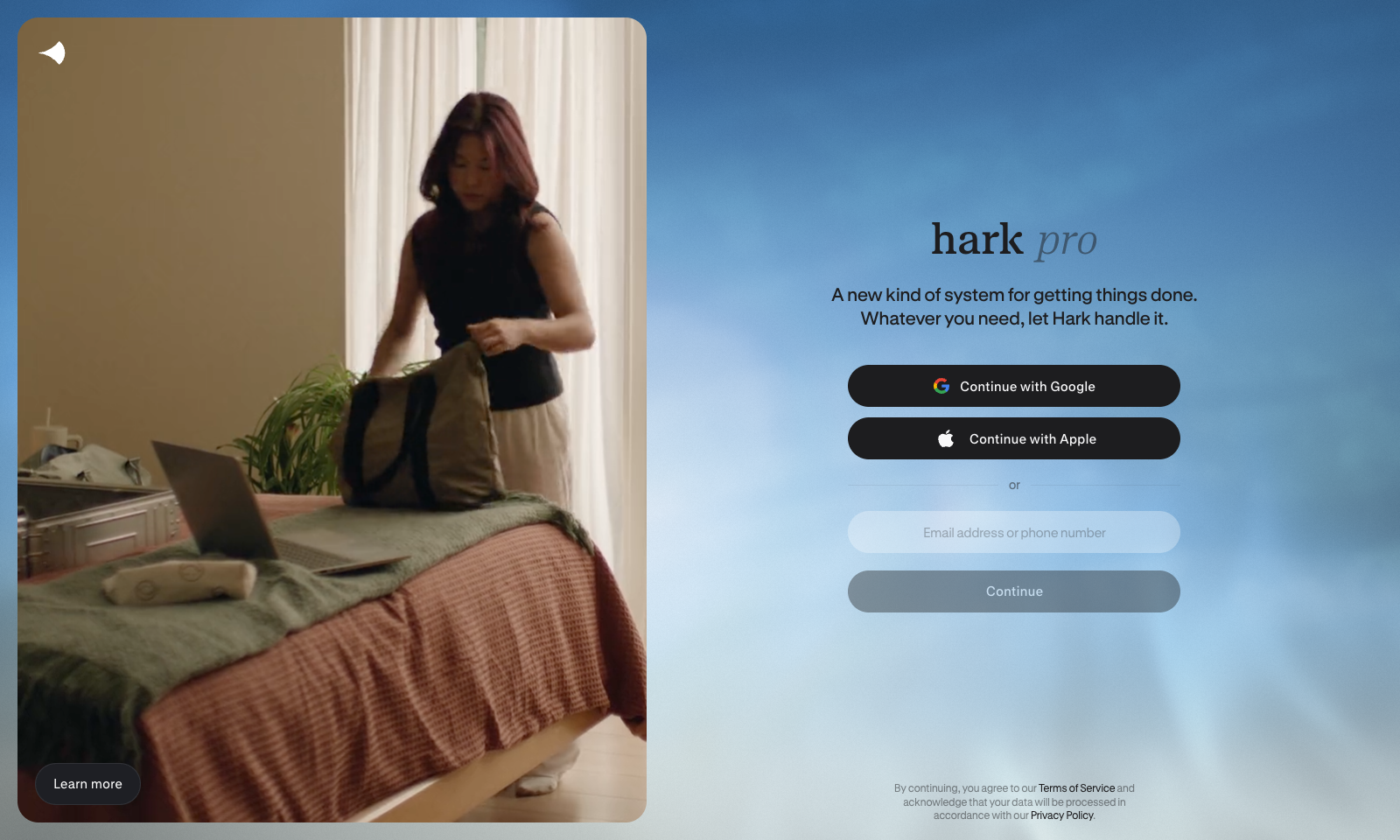
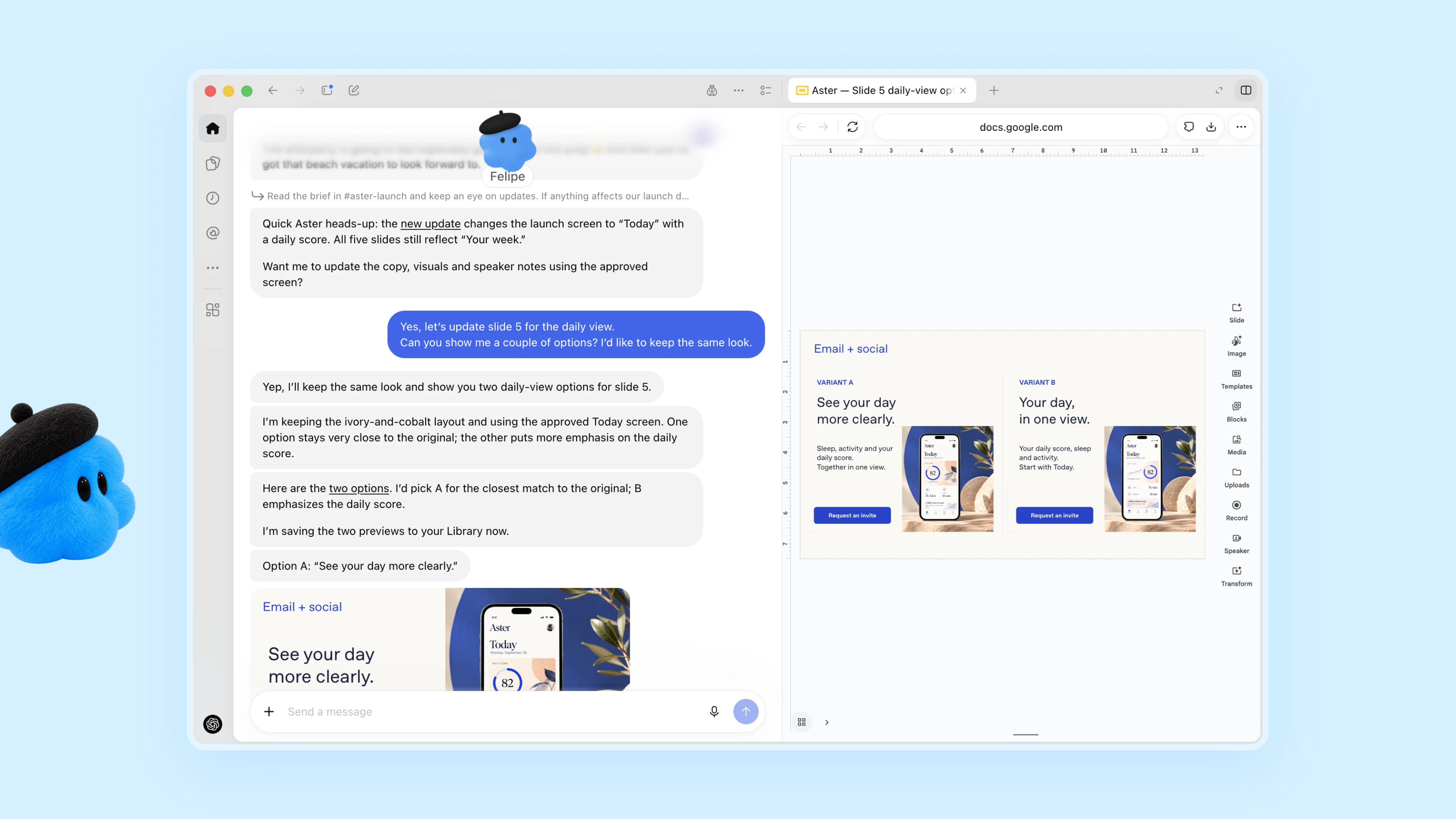
Hark is a personal AI assistant that handles everyday errands for you: booking travel, ordering food, paying bills, scheduling appointments and doing research. It's for busy people who want to hand those chores to an assistant and only step in to approve. You connect your email, calendar and online accounts, and the home screen fills with action cards, such as a bill to pay, an appointment to book or an expense to approve, each of which you can approve with one tap. For jobs that need the web, a cloud agent called Handoff opens a browser, does the work and shows you each step as it goes. Payments still need your confirmation, and saved logins and payment details are end-to-end encrypted.

AI AgentsProductivity
Freemium

Keywords

agents, personal assistant, errands, bookings, brett adcock
Action cards built from your email, calendar and connected accounts One-tap approval for payments, bookings and expenses Handoff agent with its own cloud computer, running up to six browsers at once Shows each browsing step while it works Custom panels, small apps for services like Strava, Spotify and Venmo Persistent memory and Projects tabs for longer tasks End-to-end encryption for saved logins and payment details
Launched October 6, 2026 on web, iOS and Android. Free tier available; $20 per month for twice the usage, $100 per month for ten times. Founded by Brett Adcock (Figure AI, Archer Aviation). Dedicated Hark hardware is planned for 2027.

TMRW VERDICT

The best-funded personal agent yet, still slow on small jobs

by TMRW Team·Oct 7, 2026
Hark launched on October 6, and much of the attention comes from who is behind it. Founder Brett Adcock also runs the robotics company Figure AI and started Archer Aviation. In May, before it had shipped anything, Hark raised a $700 million Series A at a $6 billion valuation, with Nvidia, AMD, Qualcomm, Intel and Salesforce among the investors. Design is led by Abidur Chowdhury, who led design of the iPhone Air at Apple, and Hark says its own hardware will follow in 2027, with cellular service from AT&T. It also lands in the same week as OpenAI's Dots, with Meta's Muse launched a few weeks earlier, so it is one of three big bets on the personal agent at once. In early reviews the design is the clear strength. The action cards turn email and calendar clutter into decisions you approve with a tap, and Handoff shows its browsing as it works, so you can see what it does with your accounts. Speed is the open question. Gizmodo's test DoorDash order took several minutes, longer than ordering by hand, while Fast Company's tester booked an oil change in under five minutes with little effort. Hark's claim that Handoff beats OpenAI and Anthropic at browsing the web comes from its own benchmark, run against older models. The real price is access. Hark only becomes useful once it can read your email and use your accounts, and you are trusting a company that came out of stealth in March. The free tier makes it easy to try. Start with low-stakes errands and connect your financial accounts only once it has earned that.
More Tools Like This

Dots by OpenAI

Dots by OpenAI

AutomationProductivityAI Agents

Dots are always-on agents inside ChatGPT, powered by GPT-6 Astra. Each dot has its own cloud computer and browser and works toward your goals around the clock. It's aimed at professionals and teams who want an agent that takes a project and keeps going with it between conversations. You message or call your dot in ChatGPT on desktop, web or mobile, or message it in Slack and Teams. It learns from your feedback, flags what needs attention and comes back with finished work for you to review. In one early test, a dot noticed a forgotten invoice, prepared it and sent it once the user approved. Custom Rules and an Activity View decide how much it does without asking.

View Details
Mycel

Mycel

Business ToolsProductivity

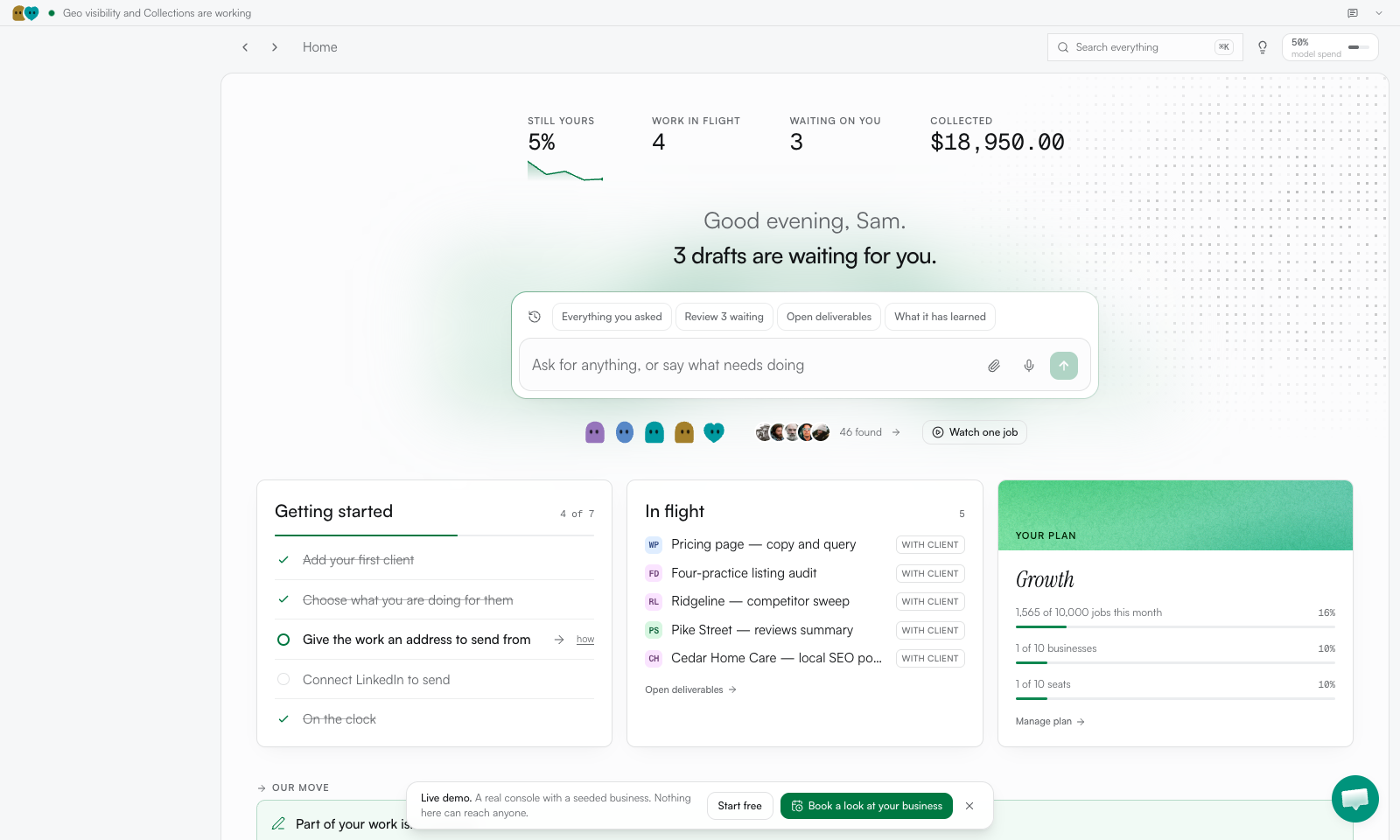
Mycel is for people who deliver the same kind of client work every month, like a month-end close, a proposal or a listing audit. Upload one past example and it drafts the next one for each client. Nothing goes to a client until you approve it. You also see which invoices need chasing, plus a chart of how much of each draft you still end up rewriting, which is a refreshingly honest number for a tool to show you. Setting it up takes about an afternoon: describe the service, upload one file and give it this week's work. The hosted Starter plan is $299 a month after a seven-day free trial. If you'd rather host it yourself, it's free and open source under Apache-2.0, as long as you bring your own model key. It's not worth it for one-off projects, or if $299 is more than a client pays you each month.

View Details
Moda

Moda

MarketingProductivity

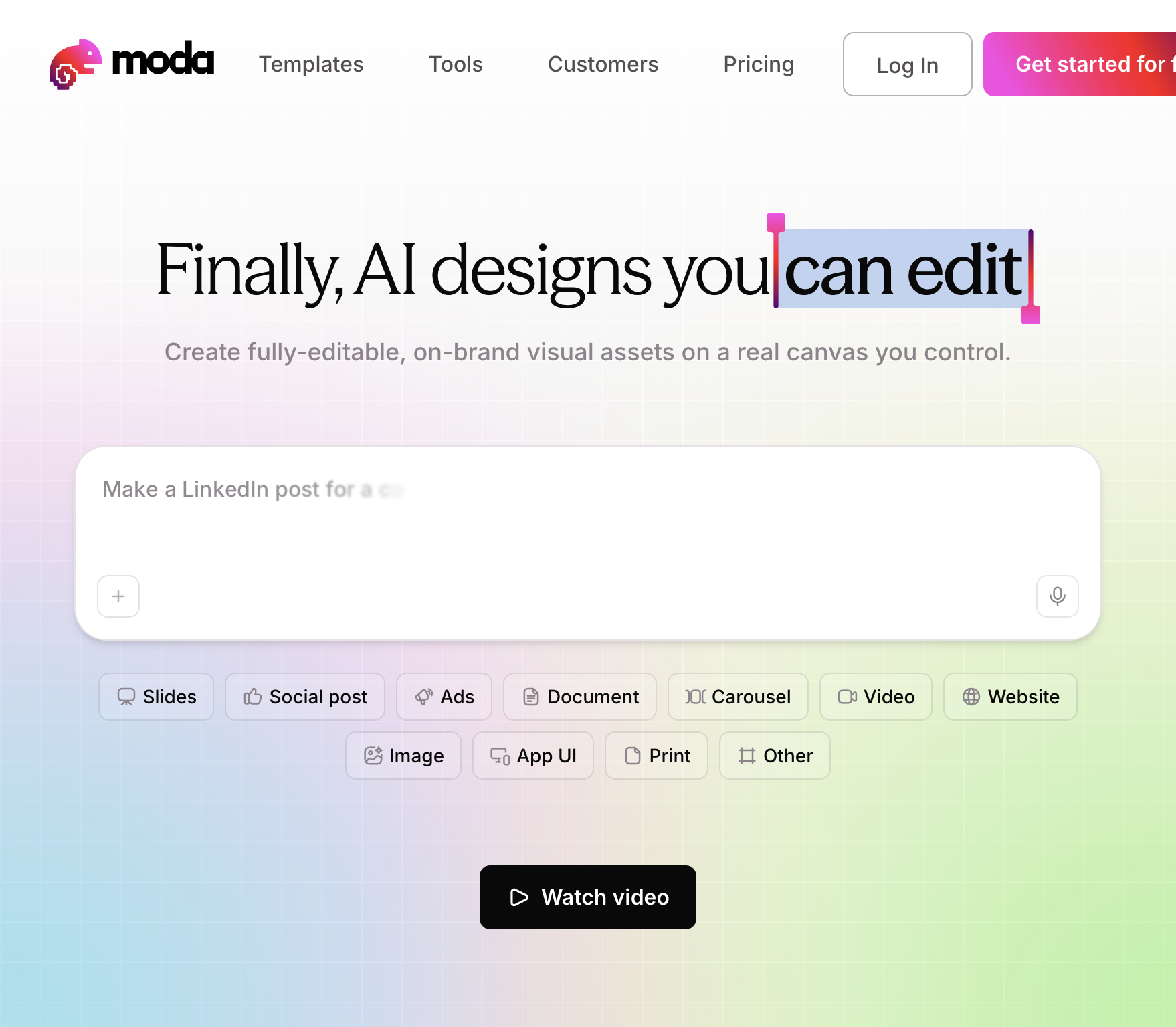
Moda is a browser-based design canvas that turns a prompt into slides, social posts, ads, documents or carousels you can still edit. Pick the format first, type what you want, and attach files if you have them. Every shape, headline and image in the result can be selected and changed, which you can't do with a flat picture from an image generator. Give it your website and it pulls your brand colors, fonts and logo into the first draft. You generate, then restyle on a proper canvas. The free plan gives you 500 credits a month. Pro is $30 per user per month for 6,000 credits, and unused credits don't carry over. The weak spot is export. You won't get a native PowerPoint or Google Slides file, so if that's what your team works in, look at AskDeck instead.

View Details
Saydi

Saydi

ProductivityTranscription

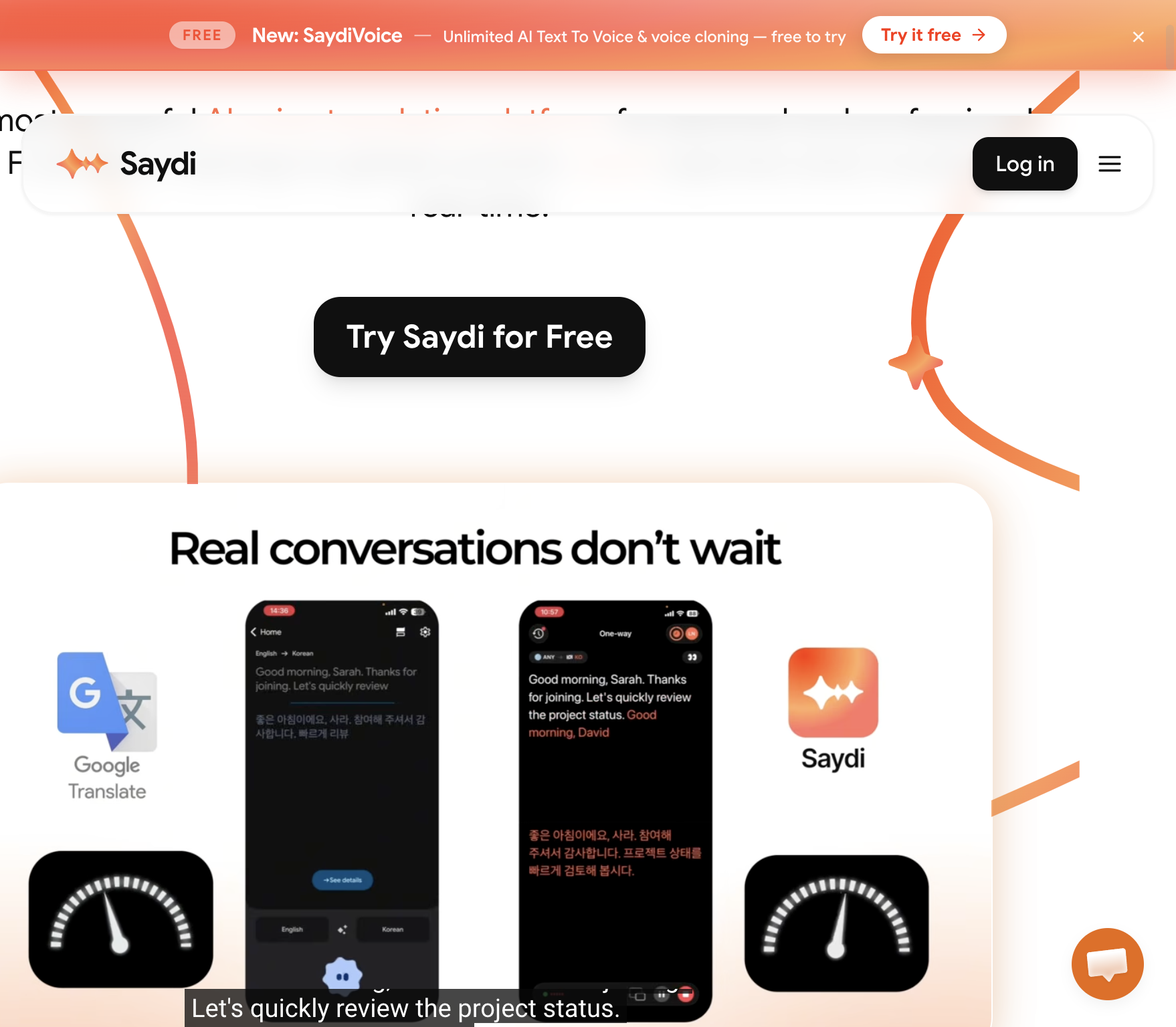
Saydi translates conversations live, for meetings where people don't share a language. You choose two-way, one-way or transcription only, pick the languages and press Start Talking. In two-way mode, with English on one side and Japanese on the other, for example, it listens and translates in both directions, keeping names and what people meant intact. A Chrome extension adds it to Google Meet, Zoom and Teams, and there are web and mobile versions too. It's made for speech, whether in the room or on a call: back-and-forth discussion, names, status updates. It won't translate a PDF for you. Pro is listed at $9. If you only need documents translated, or all your meetings already happen in one language, you don't need this.

View Details
TMRW TOOLS

AI tools we'd actually recommend.

A short list of AI tools for everyday work. We try each one before we write about it.

Navigate

  • Home
  • AI Guide
  • Blog
  • About
  • Contact

Tools

  • Browse Tools
  • Meeting notes
  • Voice writing
  • Spreadsheets
  • Short video
  • Submit Tool
  • Categories
  • Partner Program

Follow us

Legal

Privacy PolicyTerms of ServiceImprint
TMRW TOOLS

AI tools we'd actually recommend.

A short list of AI tools for everyday work. We try each one before we write about it.

Follow us

Navigate

  • Home
  • AI Guide
  • Blog
  • About
  • Contact

Tools

  • Browse Tools
  • Meeting notes
  • Voice writing
  • Spreadsheets
  • Short video
  • Submit Tool
  • Categories
  • Partner Program

Legal

  • Privacy Policy
  • Terms of Service
  • Imprint
TMRW TOOLS

AI tools we'd actually recommend.

A short list of AI tools for everyday work. We try each one before we write about it.

Navigate

  • Home
  • AI Guide
  • Blog
  • About
  • Contact

Tools

  • Browse Tools
  • Meeting notes
  • Voice writing
  • Spreadsheets
  • Short video
  • Submit Tool
  • Categories
  • Partner Program

Follow us

Legal

  • Privacy Policy
  • Terms of Service
  • Imprint
© 2026 TMRW TOOLS. All rights reserved.