TMRWTOOLS
AboutBlog
Submit Tool
TMRW TOOLS
GuideBlogSubmit Tool
  • 01Home
  • 02Guide
  • 03Blog
  • Submit Tool
HOME/Video Tools/OpusClip
BACK TO TOOLS
HOME/Video Tools/OpusClip

OpusClipReview: long videos into short clips

OpusClip screenshot

OpusClipReview: long videos into short clips

Video ToolsSocial Media
Freemium

OpusClip takes a long video, like a podcast, webinar, YouTube video or Zoom call, finds the best moments and turns them into short vertical clips with captions and framing already done. Give it an hour of footage and a few minutes later you have a batch of clips ready for TikTok, Reels and Shorts. It looks for moments that work as short videos instead of cutting at random points. Be ready to throw some away, though. Expect to bin 20 to 40 percent, because it sometimes picks a moment that makes no sense without context, or the captions drift out of sync. The rest would have taken you hours to cut by hand. It's a tool for repurposing video you already have. If you need a full editor, use Descript.

Video ToolsSocial Media
Freemium

Keywords

video clipping, short form video, tiktok, reels, youtube shorts, podcast clips, repurposing
  • AI moment detection: Scans long video for the strongest segments using a virality-scoring algorithm.
  • Auto-reframing and captions: Outputs vertical clips with captions, speaker tracking, and platform-native formatting.
  • Batch processing: One upload produces multiple clips — no manual trimming required.
  • 172M+ clips generated: Battle-tested at scale with 10M+ active users.

TMRW VERDICT

A week of short clips from one long video

by TMRW Team·Oct 4, 2026

OpusClip is the fastest way from "I have an hour of footage" to "I have a week of social posts." It finds usable moments, and the automatic captions and reframing save the fiddly formatting that makes repurposing such a chore.

Expect to throw away about a third of what it gives you. Some clips cut off mid-thought and some captions drift. The ones that work are ready to post, with captions, aspect ratio and pacing that suit each platform. At $15 a month, that trade works for anyone posting regularly.

Best for podcasters, coaches, consultants and anyone sitting on hours of long-form video. If you want control over every cut, it's the wrong tool, since OpusClip is built for volume rather than craft. Use Descript when you want to edit through a transcript, and OpusClip when you want the software to pick the moments.

More Tools Like This

Viggle

Viggle

Video ToolsGenerative Video

Viggle takes a still image of a character and makes it move. Give it a picture plus a reference video or a text prompt, and its JST-1 model maps realistic movement onto the character: walking, dancing, gesturing. The motion has weight to it, so the character looks like it's standing on the ground instead of floating. It started out on Discord and now has web and mobile apps, which makes it much easier to pick up. The free plan gives you five videos a day. The limits are real. Clips run under 15 seconds, there's no audio, and beyond the preset animation styles you can't customize much. It's fun to play with and good for quick social clips and memes. Don't expect an animation studio.

View Details
thestory.run

thestory.run

Text ToolsSocial Media

thestory.run is a LinkedIn writing coach that won't write the post for you. You drop in a rough thought. The coach asks you one question at a time, finds the point you keep circling, suggests how to tell the story, and then edits the draft you write yourself: keep this line, move that one up. Instead of a chat, the workspace is built around your week, with a posting pace, one post to finish, daily prompts, a streak, and half-finished drafts waiting. It's made by Swat.io, a social media company in Vienna, and runs in the EU. Teams get campaigns, a shared calendar and a wins board, but drafts and coaching chats stay private from managers. There's a limited "cheat mode" where the coach writes a post for you, and that post is permanently marked as coach-written. It's free for up to five people, then €1 per coaching session. If you just want posts written for you, this will annoy you.

View Details
AdAnt

AdAnt

MarketingVideo Tools

AdAnt takes a product URL or a viral video and turns it into short vertical ads you can keep tweaking in chat. One agent reads your site and pulls formats that are working on TikTok, Reels and Meta. A second one rebuilds that format with your product and an avatar. You pick the template, the avatar and the product, and it generates a batch of 9:16 versions. You get 50 credits when you sign up. Pro is $32.50 a month billed yearly ($390) for 150 credits, which works out to about 300 seconds of video or 2,000 images. Max is $82.50 a month, also billed yearly. The Social Manager tab, which would schedule and post for you, still says coming soon. There's no proper editor, and if all you want is to chop a long recording into clips, OpusClip does that better.

View Details
zCAD AI

zCAD AI

Generative Art

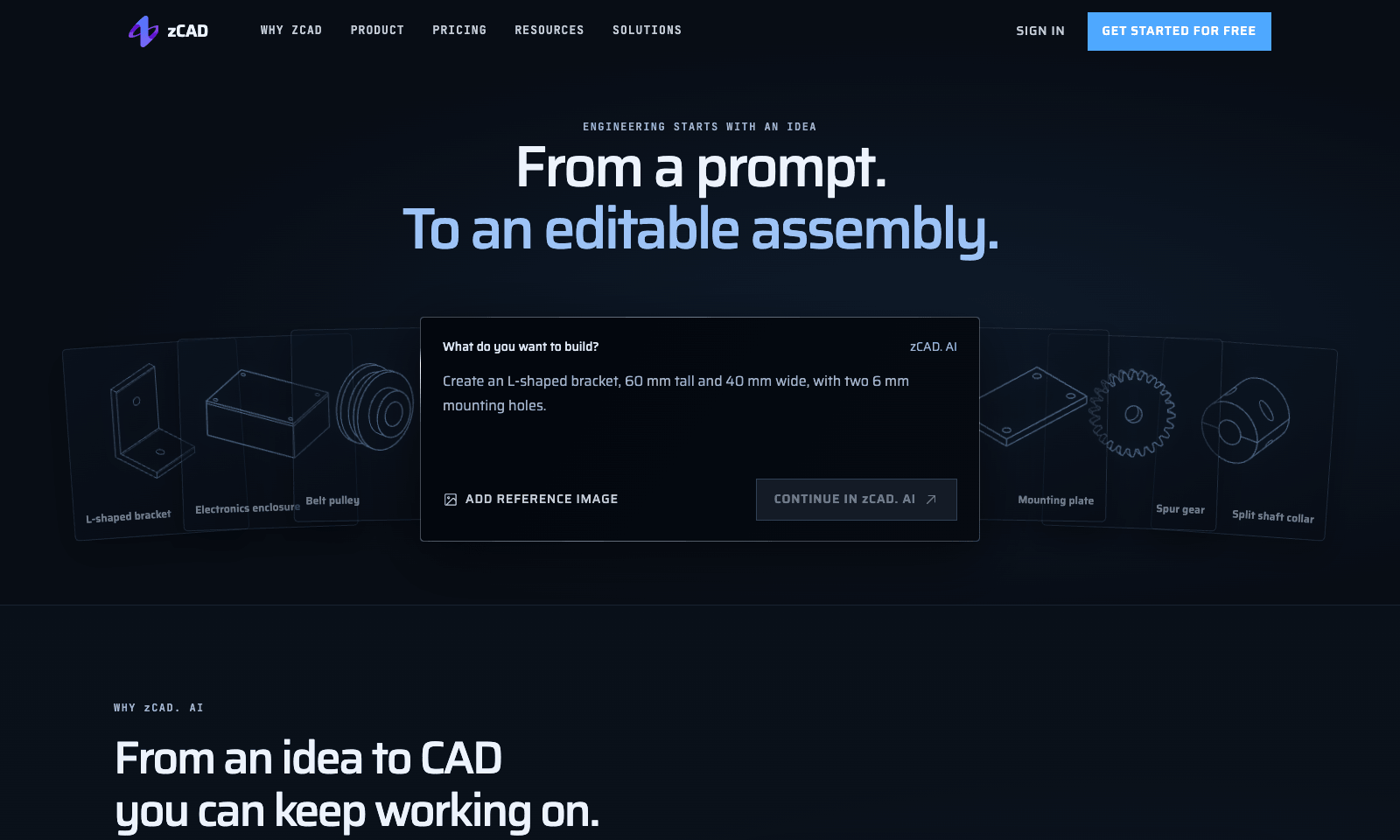
zCAD AI turns a written description into a 3D part you can open and edit in CAD. Describe it the way you'd brief a colleague, with real numbers: an L-shaped bracket with a 60 mm upright, a 50 mm base, 5 mm thick, and a 6 mm hole through each leg. Add a reference image if you have one. You get proper geometry back, not a picture. It handles assemblies too, and the examples run from gears and pulleys up to a drone frame of about 14 parts. Every plan exports STEP, the file other CAD programs open. Once the AI gets you close, you keep refining the model in zCAD Online, the company's full editor. Free gives you 200 credits a month plus a one-time 600-credit beta bonus, but free models are public, used for training, and limited to non-commercial work. Plus, at $49.99 a month, makes your models private and lets you use them commercially. Pro, at $89.99, adds drawings and full editing in Online.

View Details
TMRW TOOLS

AI tools we'd actually recommend.

A short list of AI tools for everyday work. We try each one before we write about it.

Navigate

  • Home
  • AI Guide
  • Blog
  • About
  • Contact

Tools

  • Browse Tools
  • Meeting notes
  • Voice writing
  • Spreadsheets
  • Short video
  • Submit Tool
  • Categories
  • Partner Program

Follow us

Legal

Privacy PolicyTerms of ServiceImprint
TMRW TOOLS

AI tools we'd actually recommend.

A short list of AI tools for everyday work. We try each one before we write about it.

Follow us

Navigate

  • Home
  • AI Guide
  • Blog
  • About
  • Contact

Tools

  • Browse Tools
  • Meeting notes
  • Voice writing
  • Spreadsheets
  • Short video
  • Submit Tool
  • Categories
  • Partner Program

Legal

  • Privacy Policy
  • Terms of Service
  • Imprint
TMRW TOOLS

AI tools we'd actually recommend.

A short list of AI tools for everyday work. We try each one before we write about it.

Navigate

  • Home
  • AI Guide
  • Blog
  • About
  • Contact

Tools

  • Browse Tools
  • Meeting notes
  • Voice writing
  • Spreadsheets
  • Short video
  • Submit Tool
  • Categories
  • Partner Program

Follow us

Legal

  • Privacy Policy
  • Terms of Service
  • Imprint
© 2026 TMRW TOOLS. All rights reserved.